Start from the symptom
Miele cooktop induction cooktop zone not heating.
When a Miele induction zone will not heat, the manual points to a system lock or safety lock, demo mode, no suitable cookware, or no power at all. Clear the lock, press the 0 sensor to leave demo mode, put a suitable pan on within 15 seconds and check the breaker.
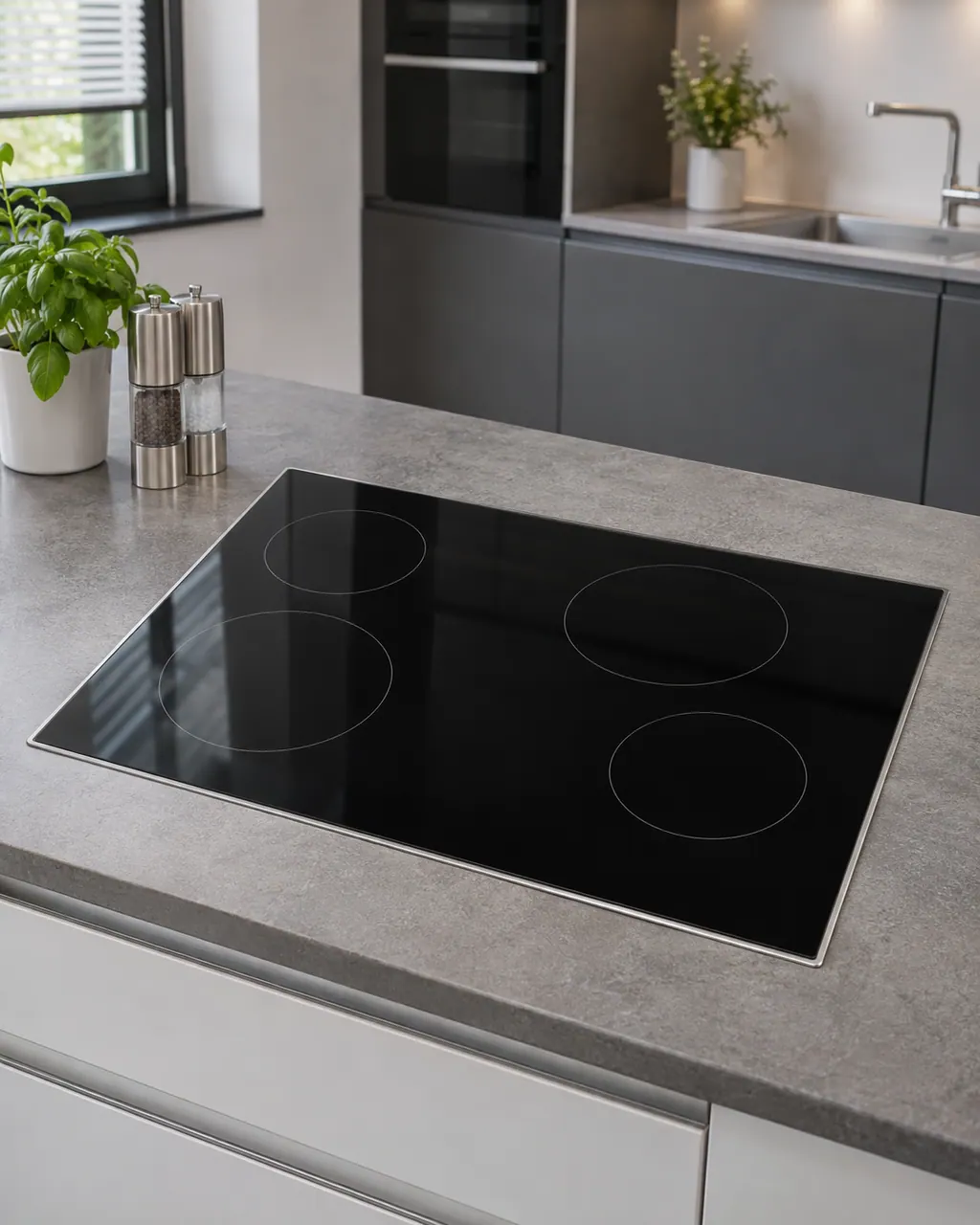
Start with safe observations.
Switch the machine off and unplug it before any check of your own. Watch for standing water and sharp corners. Never touch a wet plug, open a service panel or go beyond what the manual for your model allows an owner to do.
- 1
Lock symbol
If a lock symbol appears in the timer display for a few seconds after switching on, the system lock or the safety lock is on. Deactivate it as the Operation section describes.
- 2
Demo mode
If a demo symbol flashes briefly and the zones do not heat, the cooktop is in demo mode. Press the 0 sensor on any numerical display, then touch the two further sensors together as the manual shows.
- 3
Cookware
The symbol that lights or flashes with the power level means no cookware, unsuitable cookware, a base that is too small, or the pan has been removed. The zone turns off after 15 seconds.
- 4
Place a pan
Set a suitable pan on the zone within 15 seconds and cooking resumes with the earlier settings.
- 5
No power
If the cooktop or zones cannot be switched on, check whether the breaker has tripped. Call an electrician or Miele service, and use the data plate for the fuse rating.
Systems a technician may investigate.
Several parts can produce this symptom. What you noticed does not prove that any one of them has failed.
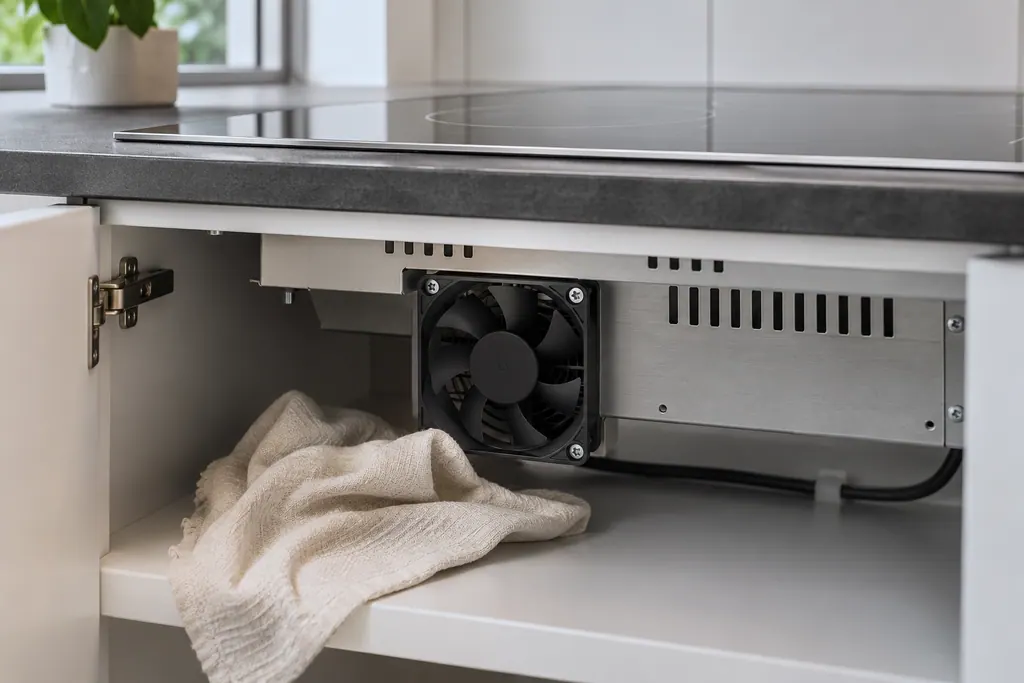
Cooktop cooling fan
An induction cooktop from Miele has a cooling fan that protects the electronics during intensive use. It can whir and keep running after the cooktop is switched off. An E number or Err 047 to 049 in the timer display points to a blocked fan.
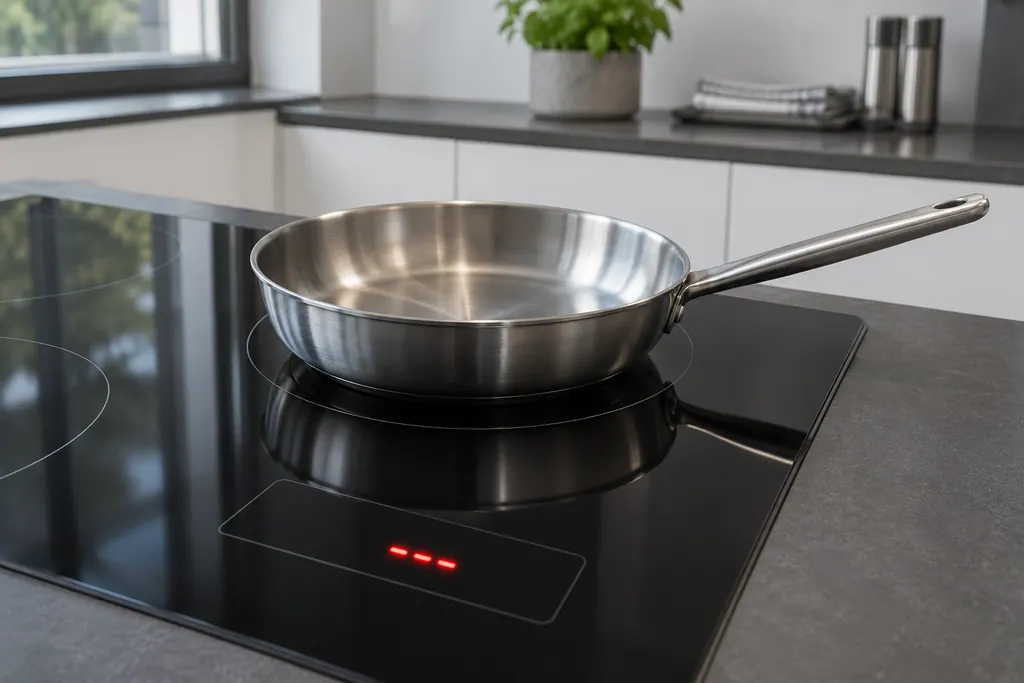
Cooktop overheating protection
Overheating protection stops a Miele cooktop from being damaged by heat. It can stop the Booster, lower the power level, or switch off a zone or all zones. The manual lists empty cookware, hot oil on a high level and poor ventilation underneath as triggers.
If the display adds a code.
Locks and modes
LOC means the system lock or the safety lock is on. The system lock stops the cooktop switching on; the safety lock allows only limited use. Touch the lock sensor control for 6 seconds, or the two safety lock controls together for 6 seconds.
Locks and modes
LC means a lock is active. On a KM 3054 gas cooktop it is the start-up lock, released by pressing the minus and plus touch controls together until a signal sounds. Miele’s web page calls LC the system or safety lock on induction cooktops.
Cookware detection
u_ on a Miele induction zone means it detects no usable cookware: none is on the zone, the pan is the wrong material or too small. Place a suitable pan on the zone you switched on; one that a magnet sticks to is generally suitable.
Read the related care guide.
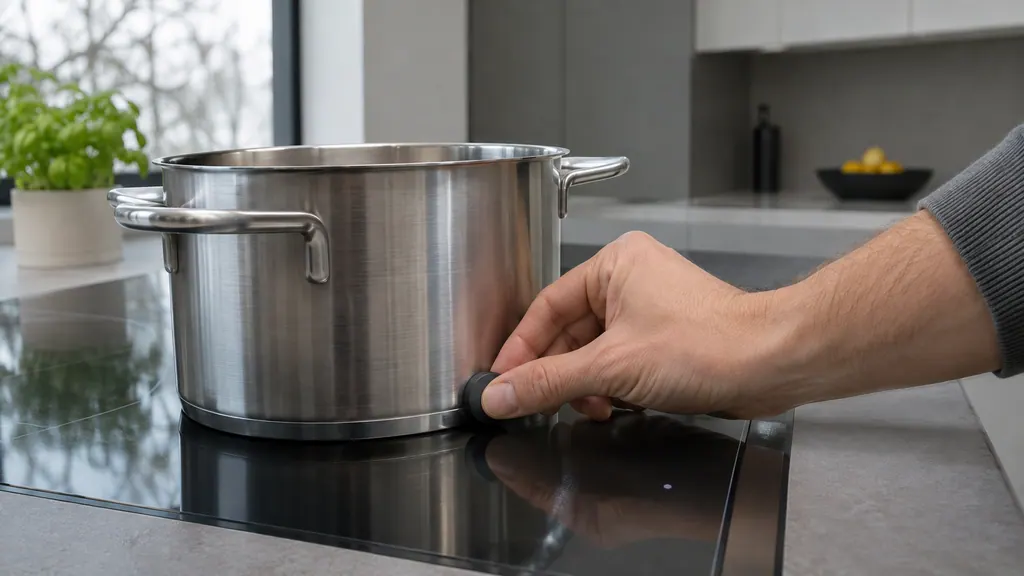
Induction zone ignores the pan
On a Miele induction cooktop, u_ means no suitable cookware is detected: nothing on the zone, a pan that is not magnetic, or a base that is too small. Use stainless steel with a magnetic base, enameled steel or cast iron, confirm it with a magnet, and set it in the middle within 15 seconds. [1][2]
Cooktop shows L, LC, LOC, C or E2
On a Miele cooktop, L, LC and LOC are the system or safety lock, C and F mean a covered sensor control, dE is demo mode, and E2 or Err 044 is overheating protection. Only the fan and electronic messages may need a visit: Err 047 to 049, FE48 and Err 039 to 412. [1][2][3][4][5][6]
When observation becomes a service request.
Leave internal testing to a technician.
Cookware is suitable, locks are off and the zone stays cold.
The cooktop cannot be switched on and the breaker is fine.
An Err or E number shows in the timer display.
The cooktop is incorrectly connected message flashes.
Arrange a diagnosticSources and model boundaries.
These documents stand behind the Miele induction cooktop zone not heating guidance. Open the manual that matches your model.
- Miele KM 7735 FL / KM 7745 FL / KM 7755 FL induction cooktops (US/Canada operating and installation instructions, M.-Nr. 12 161 430)
Match your exact model to its operating instructions. See how we research these pages.
Why does a pan symbol flash?
No cookware, unsuitable cookware, too small a base, or a pan lifted off the zone. After 15 seconds the zone switches off.
Why is power level 9 reduced?
Using two connected zones at level 9 exceeds the permitted maximum for the pair. Use another zone.
What if Auto Heat-up does not cook?
Large amounts of food need the highest level first, then reduce manually. A poorly conducting pan also causes it.
Is the cooktop locked or broken?
A lock symbol for a few seconds after switching on means a system or safety lock. Deactivate it before suspecting a failure.
Miele codes, symptoms, parts, repair visits
Follow the message to what you do next.
Demo mode
Demo mode means the cooktop will not heat: the zones stay cold because the showroom demonstration setting is on. Miele’s web page shows it as dE. Switch the setting off with the touch sequence for your controls.
Miele induction cooktop zone not heating
When a Miele induction zone will not heat, the manual points to a system lock or safety lock, demo mode, no suitable cookware, or no power at all. Clear the lock, press the 0 sensor to leave demo mode, put a suitable pan on within 15 seconds and check the breaker.
Cooktop cooling fan
An induction cooktop from Miele has a cooling fan that protects the electronics during intensive use. It can whir and keep running after the cooktop is switched off. An E number or Err 047 to 049 in the timer display points to a blocked fan.
Cooktop repair
Book a diagnostic made for your exact model and done beside the appliance.
Find your metro
Where each office is, plus the access notes to pass on to us.