On this page
- The system lock stops the cooktop switching on; the safety lock limits operation while it is on. 1
- Sensor controls covered for more than about 10 seconds switch the cooktop off. 13
- Overheating protection can reduce power or switch zones off, and has four listed triggers. 15
- FE48 asks for a gap of 1/2 in (15 mm) or more under the cooktop. 6
What do L, LC, LOC and C mean on a Miele cooktop?#
L, LC and LOC are the lock. C, and F on an induction zone, mean a sensor control was covered. dE is demo mode, and E2 or Err 044 is overheating protection. Which text shows depends on the model and where it appears. 12345
Miele's support pages cover many cooktop messages, and several of them differ only by model, so the same event can show as L on one cooktop and LOC on another. The manual we read for the KM 7735 FL, KM 7745 FL and KM 7755 FL induction cooktops (M.-Nr. 12 161 430) describes the functions behind them: system lock, safety lock, safety shut-off, wipe protection, demo mode and overheating protection. 1
| Display | Cause | Your move |
|---|---|---|
| L, LC or LOC | System lock or safety lock | Touch the lock control for 6 seconds, or use the combination for your model 12 |
| C, or F on an induction zone | A sensor control covered more than about 10 seconds | Clean or clear it, switch on again 13 |
| dE | Demo mode | Switch it off with the combination for your model 4 |
| E2 or Err 044 | Overheating protection | Let it cool, remove the cause 15 |
| Err 047, 048, 049, FE48 | Fan blocked or too little clearance | Clear the fan, check clearance 6 |
| Err 039, 040, 408, 412 | Electronic problem | Disconnect power for about 1 minute 7 |
What are the system lock and the safety lock?#
The system lock keeps the cooktop from being switched on. The safety lock is active while the cooktop is on, and then it can only be operated under certain conditions: a set timer can be changed, and the zones and the cooktop can only be switched off. 12
To lift either one, Miele's pages say to touch the lock control for 6 seconds. LOC or LC then appears briefly in the timer display, the seconds count down, and the lock is off once the count ends. The exact control depends on the cooktop: some models use a lock key, some two keys together, some a knob held at its stop. 2 The pages list several combinations, and the sensor symbols do not copy into plain text, so follow the combination printed in your manual. On cooktops with knobs and an L on the display, the page says to turn the right knob counterclockwise to its stop and hold it until L goes out. 2
The manual adds that while the system lock is active, a set kitchen timer keeps counting down, and that touching a disallowed control shows the lock message for a few seconds with a buzzer. The system lock can also be programmed to activate by itself 5 minutes after the cooktop is switched off. 1 That last setting explains a cooktop that "always" greets you with the lock.
- 1
- 2
- 3
- 4
Why did the cooktop turn itself off and show C?#
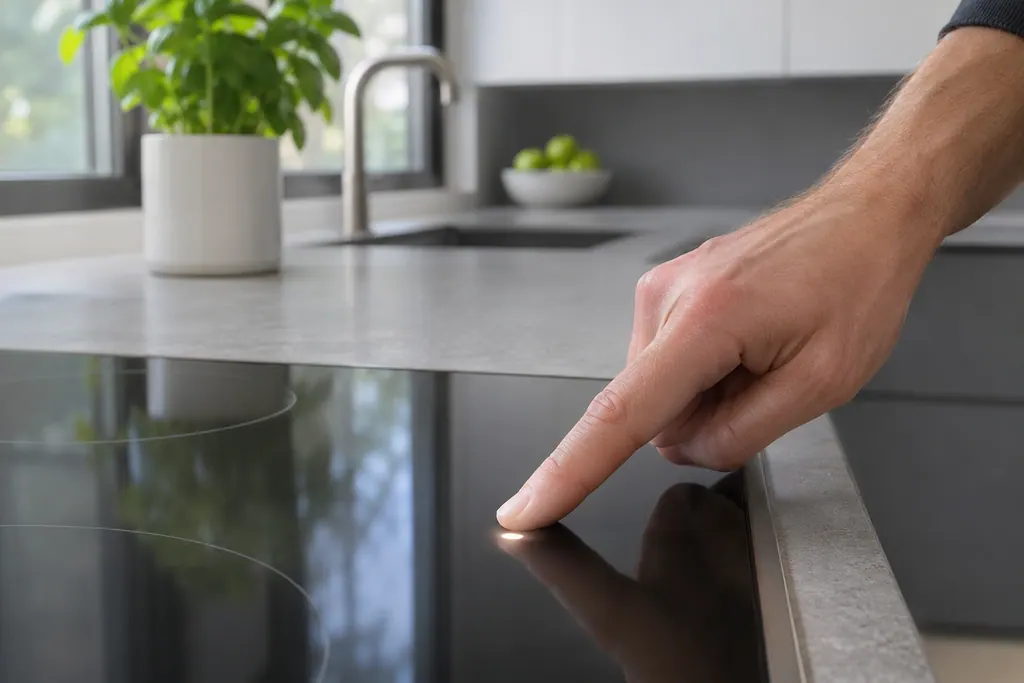
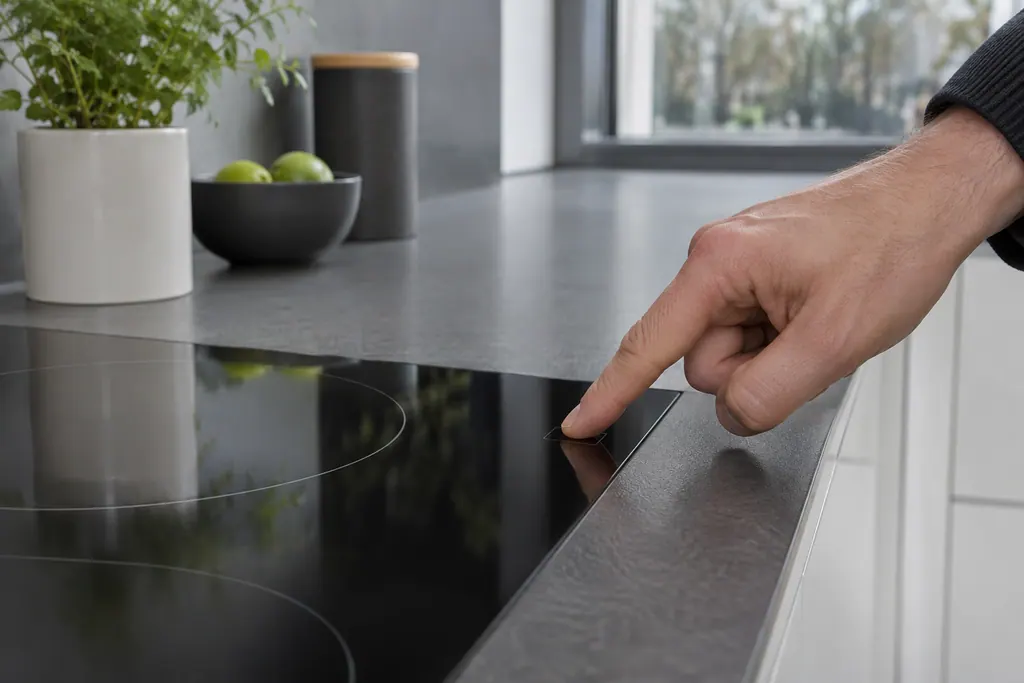
Safety shut-off. If one or several sensor controls remain covered for longer than 10 seconds, whether by a finger, a boil-over or an object, the cooktop switches off automatically, a tone sounds, and the sign flashes above the On/Off control. 13
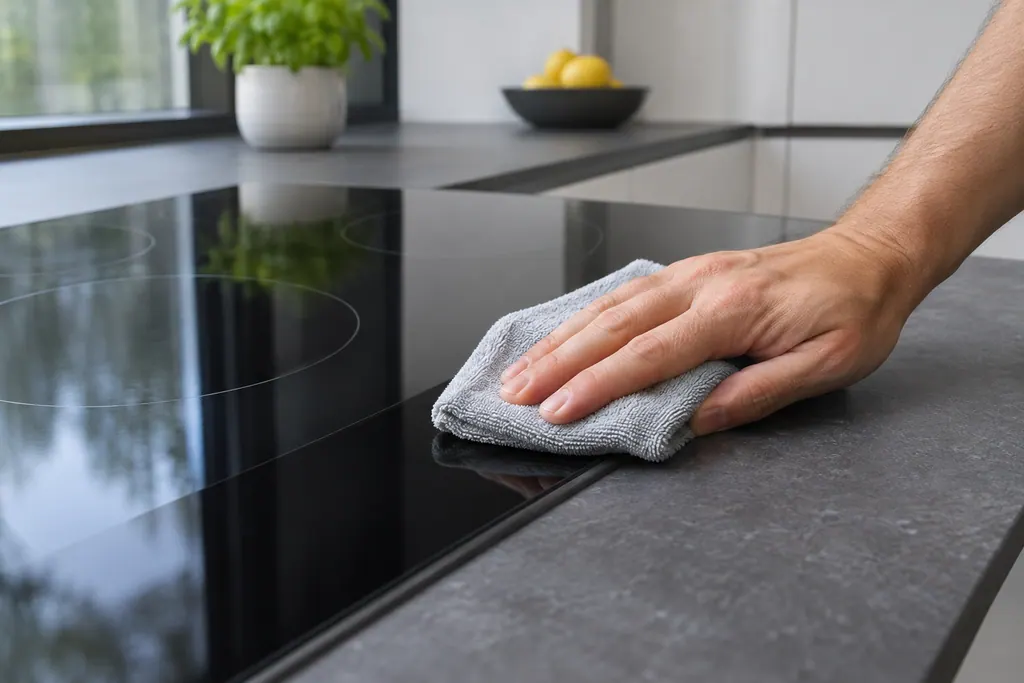
Remove the object or clean the soiling, and the sign goes out and the cooktop is ready again. 1 On an induction cooktop the same cause shows as an F in a cooking zone display; clean the control field or remove the object, the F goes out, and you switch the cooktop on with the On/Off control. 3 If the cause persists after cleaning, call us.
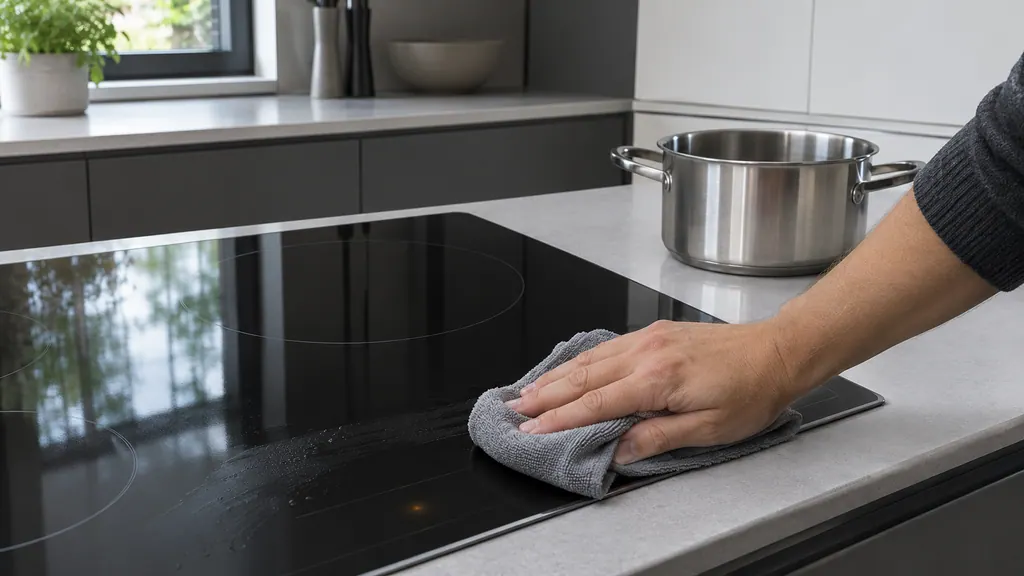
A second, different shut-off is the excessive operating time. If a zone runs unusually long at one setting, the cooktop drops it to power level 1; turn the zone off and on again to use it. The time depends on the power level and the safety setting, and the manual's table spans 10 hours at level 1 down to 10 minutes at level 9 on setting 2. 1 If you want to wipe the glass without triggering anything, wipe protection locks the sensor controls for 20 seconds. 1
What does E2 or Err 044 mean?#
Overheating protection has triggered. The cooktop stops a Booster function, lowers the power level or switches one or more cooking zones off before the induction coils or the electronics heat sinks get too hot. Let it cool and remove the cause. 15
The pages list four circumstances: the cookware being heated is empty; fat or oil is being heated at a high power level; there is insufficient ventilation to the underside of the cooktop; a hot cooking zone is turned back on after a power failure. 15 When the cause is removed and the protection triggers again, contact service. 5 On the Err 044 page the same advice reads: allow the cooktop to cool, rectify the causes, check that the cooktop works, and call if it persists. 5
If a zone works at a lower level than you set, or the whole cooktop switches off by itself, the manual's FAQ names overheating protection as the cause and gives the same steps. 1
What about the fan messages and the electronic ones?#
Err 047, 048 and 049 say the fan is blocked or not working properly: check that no object blocks it and remove the obstruction. FE48 adds clearance: a gap of 1/2 in (15 mm) or more must separate the cooktop's bottom edge from a shelf or oven below. 6
The FE48 page asks you to check for objects in a drawer below the cooktop, or dust, and to verify the minimum clearances in the installation instructions; after the clearance is established, you must disconnect the cooktop from power to clear the message. 6 The manual's safety notes agree: if a drawer sits directly below the cooktop, leave enough space between the drawer contents and the cooktop's underside, and do not store pointed or small items or paper in it, since they can slip into the casing via the vent slots and harm the fan. 1
For Err 039, 040, 408 and 412, which show as Err alternating with the number in the timer display, the page describes an electronic problem. Disconnect the power for about 1 minute and see; if it persists, book a repair. 7 F31 and FE31 are called technical problems you cannot remedy yourself. 7 Our rows: Err 047, FE48, Err 039 and F31.
What is dE?#
It means demo mode, a showroom setting in which the cooktop does not heat. On cooktops without knobs, switch the cooktop on, place induction-compatible cookware, touch 0 on any numerical display and then 0 and 2 together for 6 seconds. 4
Miele's page says dE then flashes alternately with On or OFF in the timer display for a few seconds; on knob models, a different sequence of knob turns brings up dE in a zone display with demo mode activated, or 0000 when it is deactivated. 4 Our guide on Demo mode on a range or freezer explains why a lit appliance with no heat is worth checking for it. The pan-related symbol is covered in the induction cookware guide.
Who should look at it if the message keeps returning?#
Book when Err 039 to 412 returns after a minute without power, when overheating protection returns after the cause is removed, when F31 or FE31 appears, or when fan messages return with the fan clear and the clearance right. 567
You can book a technician with us. Please note the exact message, where it appeared and when. Our technician names a price first and starts only after you agree to it; the figure is confirmed once the cooktop has been inspected in your kitchen. Repairs under the maker's own warranty stay with the maker, while work done by us is backed by a separate warranty from us. See our cooktop service page.
Sources#
- Operating and Installation Instructions: Induction Cooktops (KM 7735 FL, KM 7745 FL, KM 7755 FL)Miele, en-US, CA edition · M.-Nr. 12 161 430 · PDF pages 33-35 (safety shut-off, locks, overheating protection), 52 (system lock, safety lock), 54 (demo mode), 67 (frequently asked questions)
- L, LC and LOC on the display (Miele Cooktop pages)Miele USA, customer assistance, cooktop · Undated web pages; read in a browser 12.11.2026 · Whole pages
- C on the display and Fault F (Miele Cooktop pages)Miele USA, customer assistance, cooktop · Undated web pages; read in a browser 12.11.2026 · Whole pages
- dE on the display (Miele Cooktop)Miele USA, customer assistance, cooktop · Undated web page; read in a browser 12.11.2026 · Whole page
- E2 and Err 044 (Miele Cooktop pages)Miele USA, customer assistance, cooktop · Undated web pages; read in a browser 12.11.2026 · Whole pages
- Err 047, 048 or 049 and FE48 (Miele Cooktop pages)Miele USA, customer assistance, cooktop · Undated web pages; read in a browser 12.11.2026 · Whole pages
- Err 039, 040, 408 or 412 and F31 or FE31 (Miele Cooktop pages)Miele USA, customer assistance, cooktop · Undated web pages; read in a browser 12.11.2026 · Whole pages