On this page
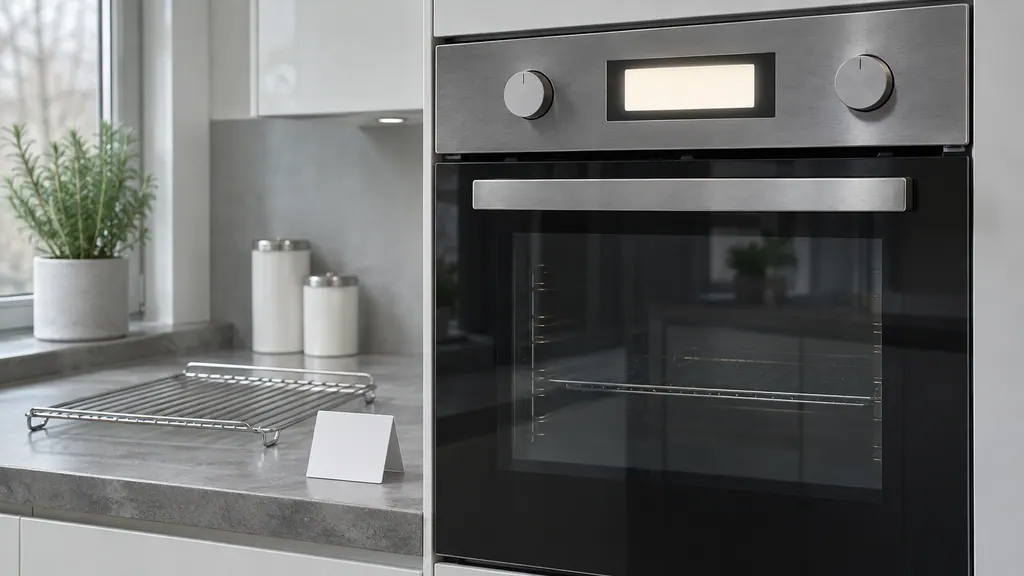
- A range in Demo mode shows the message that it will not heat up when you turn it on. 1
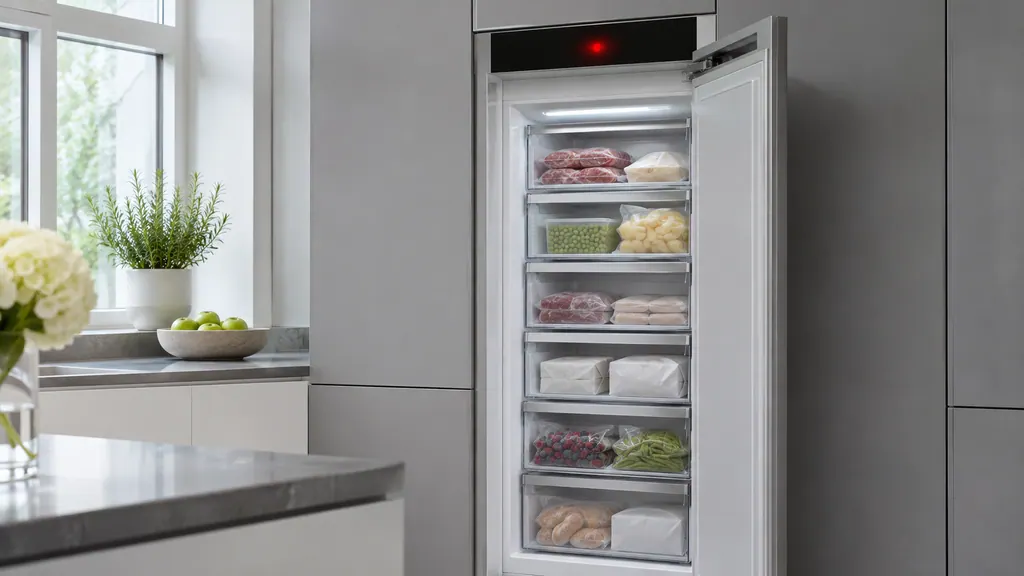
- A freezer column in Demo mode shows a symbol on the start display and does not cool. 2
- On the range, hold OK at least 4 seconds in Settings, Showroom Program, Demo Mode, Off. 1
- After Demo mode is switched off, the freezer shuts down and must be switched on again. 2
Why does a Miele appliance work on the display but not heat or cool?#
A showroom setting may be active. Demo mode lets a dealer show the appliance without the heating or cooling running. The controls respond, the lighting works and nothing gets hot or cold. The manuals warn not to activate it for home use. 12
Two Miele manuals describe it. The Operating Instructions for the 30 Inch Dual Fuel Range (M.-Nr. 11 919 010) call it a function that lets the oven be demonstrated in dealer showrooms without heating up. 1 The Freezer Operating Instructions (M.-Nr. 11 930 810) say it lets the appliance be presented in the showroom without the cooling system being switched on. 2
It can come with a floor model, or be switched on by a stray touch in the settings. If you bought the appliance second-hand, it is also worth checking.
How do I recognize Demo mode on the range?#
When Demo mode is on, a message says the appliance will not heat up when you turn the oven on. You can select menu options and use the sensor buttons, but the oven heating does not work. 1
A dead heating element looks much the same from the outside. The troubleshooting table lists "The oven does not heat up" with Demo mode as the cause and shows the setting path to switch it off: Settings, Showroom Program, Demo Mode, Off. 1
Our code row is Demo Mode on a range.
How is Demo mode ended on the range?#
Open Settings, then Showroom Program, then Demo Mode, and choose Off. Touch OK for at least 4 seconds to deactivate it, and the oven can then be used as normal. 1
- 1
- 2
- 3
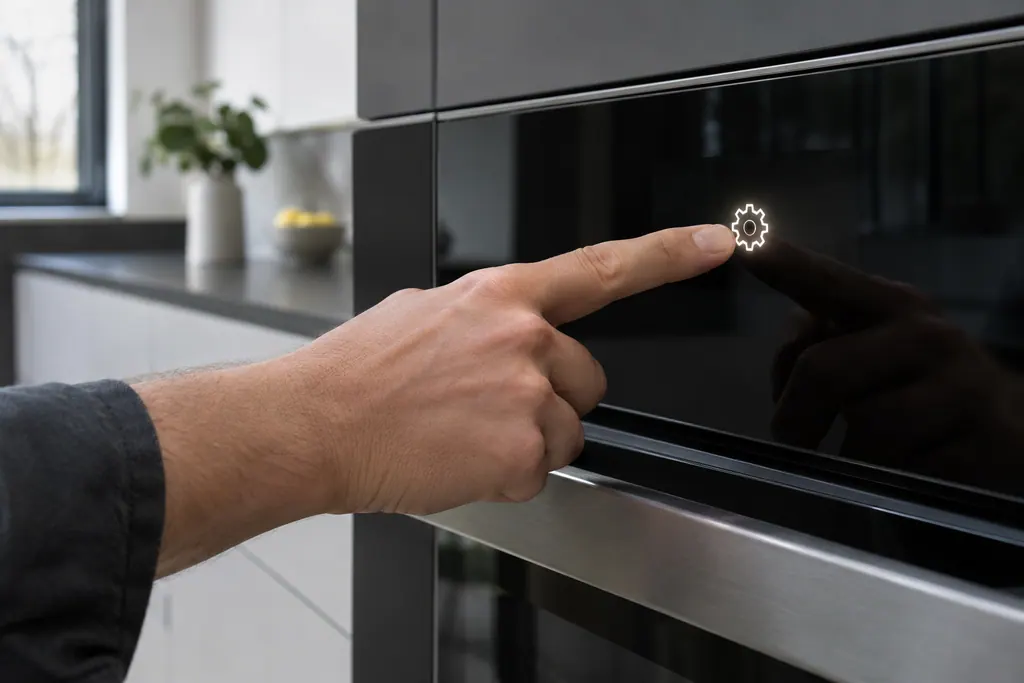
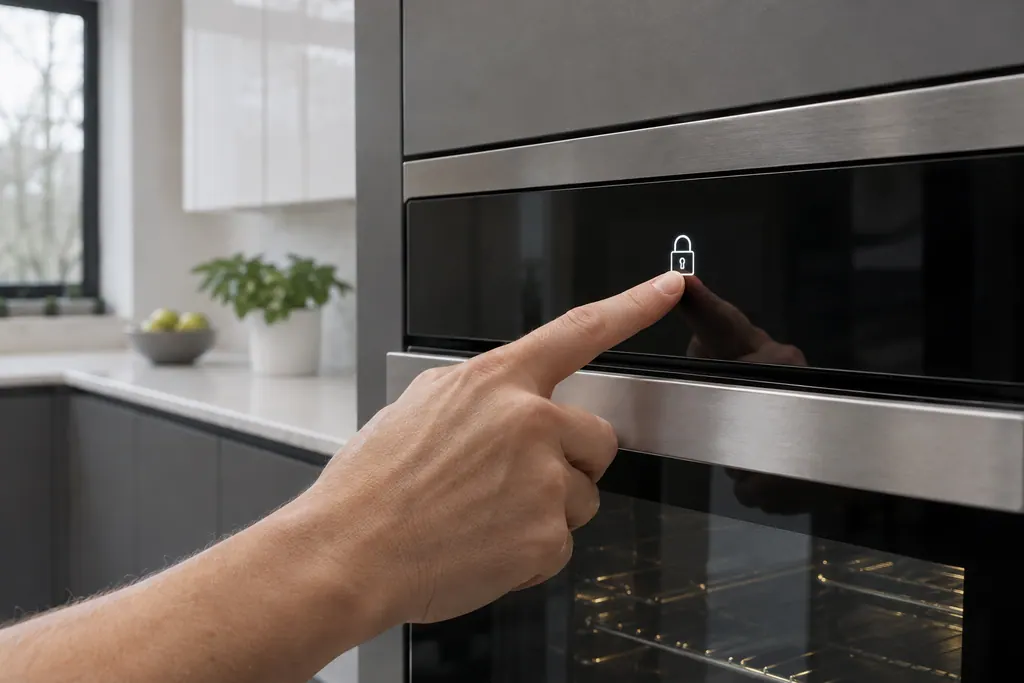
After that, give the oven a normal preheat. If it still does not heat, the cause is something else: the manual's table lists a tripped breaker among the causes for a dark or silent oven and tells you to involve a qualified electrician if so. 1
How do I recognize and switch off Demo mode on a freezer column?#
A symbol lights on the start display and the freezer does not get cold, although the controls and the interior lighting work. Tap the settings symbol, swipe to the Demo mode symbol and tap it. 2
The manual's troubleshooting table gives the sequence in symbols: tap the settings symbol, tap again, swipe left or right until the Demo mode symbol is in the middle, and tap it. 2 Then comes the important line: after Demo mode is switched off, the freezer shuts down and must be switched on again. 2
So do not stop at the settings. Turn the freezer back on, close the door and let the cabinet reach temperature before any food goes in. The manual also tells you, for new food, that the freezer should reach temperature first. 2 Check the display after a few hours.
Our code row: Demo mode on a freezer.
How can I tell Demo mode from a broken part?#
Look for the sign first. A range in Demo mode tells you at switch-on that it will not heat up, and a freezer shows a symbol on the start display. A broken part gives no such sign, and an appliance that is simply dead has a dark display. 12
Here is the order of questions that keeps you from calling about a setting:
- Does the display light up and answer your touch? In Demo mode it does. Without power it does not, and the manual's table lists a tripped breaker or an unplugged cord for a dark display, with a qualified electrician as the next step if the breaker trips again. 1
- Is there a message about heating, or a symbol on the freezer start screen? If yes, work through the Demo mode steps above. 12
- Is the lock symbol or System Lock showing instead? That is a different setting with a different fix; see our guide on range messages that are not errors. 1
- Is the freezer's display blank? The manual says that can mean Sabbath mode, which also silences the alarms. 2
A second thing worth knowing: the range's switch for Demo mode sits in the same Settings area as the showroom program, and the manual says to touch OK for at least 4 seconds both to turn it on and to turn it off. 1 A deliberate, held touch is needed, so it is not something a passing finger does in a split second, but a cleaning cloth held on the panel or a long press while exploring the menu could do it.
What should I expect after I switch it off?#
On the range, the oven can be used as normal straight away. On the freezer, the unit shuts down and must be switched on again, and then it needs time to reach its temperature before it is safe to load. 12
For the freezer, the manual's own numbers help you judge when it is ready. The freezer zone can be set from 5 to -18°F (-15 to -28°C), and a constant 0°F (-18°C) is what long-term storage needs. 2 After you adjust a temperature, the older Miele freezer manual we also read says to wait about 6 hours if the appliance is not very full and about 24 hours if it is full before you check the display. 3 Our freezer guide for the alarm symbol explains what the warm-peak reading means if the unit alarms on its first cool-down: freezer alarm after a power outage or warm spell.
On the range, give the oven a normal preheat and watch that the temperature climbs. If it does, the Demo mode setting was the whole story. If the oven heats unevenly or the display shows an F code, that is a separate matter for a technician.
What else can make a freezer or oven seem dead?#
On a freezer, a power outage, an open door and a blank display (Sabbath mode) can look like a failure; on a range, the system lock and a dark display can. Rule them out before you decide the appliance is broken. 12
The freezer manual says Sabbath mode leaves the display completely blank and silences all signals. 2 The range's System Lock keeps the oven from being switched on by accident. Our guide range messages that are not errors walks through the range ones, and the freezer alarm guide the freezer ones.
Where a technician fits in#
Call us if the range still stays cold or the freezer will not chill after Demo mode is off, when there is no sign of Demo mode at all, or when an error message or F number appears. Our range and freezer pages explain the visit. 12
Book a technician. Expect a quoted price that you approve before any work, with the final total confirmed once the appliance has been looked over at your address. Where the maker's warranty still applies, the maker takes the repair; our own labor is covered by a separate warranty.
Sources#
- Operating Instructions: 30 Inch Dual Fuel Range (electric oven and gas cooktop)Miele, en-US, CA edition · M.-Nr. 11 919 010 · PDF pages 60 (Showroom Program), 105 (frequently asked questions)
- Operating Instructions: FreezerMiele, en-US, CA edition · M.-Nr. 11 930 810 · PDF pages 46 (Demo mode), 58 (frequently asked questions)
- Operating and Installation Instructions: FreezerMiele, en-US, CA edition · M.-Nr. 11 508 650 · PDF page 85 (setting the temperature)