On this page
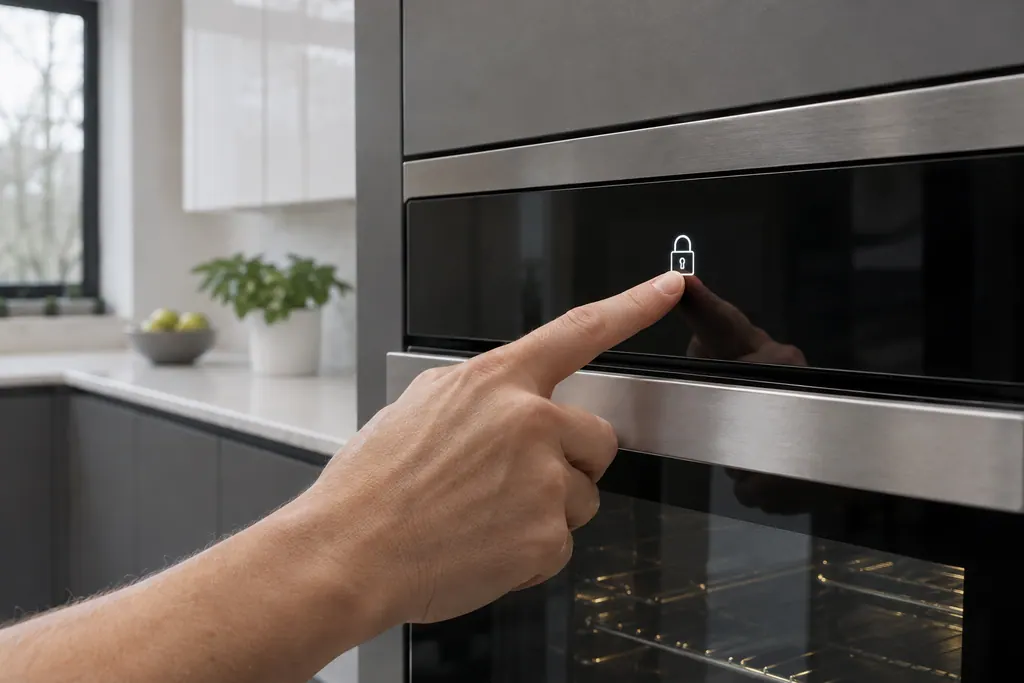
- System Lock stops accidental switch-on and stays through a power cut; touch the lock symbol for 6 seconds to cook. 1
- A brief power cut cancels the program; turn the oven off and on and restart. 1
- 12:00 appears after a power cut of more than 150 hours; set the clock again. 1
- Maximum operating duration reached is a safety shut-off; confirm with OK. 1
Which Miele range messages are not errors?#
Five: System Lock, Power failure, 12:00, Maximum operating duration reached and a dark display. The manual explains each with a plain cause and a setting or a button press, and none of them needs a repair. 1
We cover the Miele 30 Inch Dual Fuel Range (electric oven, gas cooktop), Operating Instructions M.-Nr. 11 919 010. Its frequently asked questions table is where these messages are explained, and it separates them from true error entries such as F32 and F33. 1
The point of this page is to save you a call. A message in words, with no F and a number, is usually the oven doing what it was set to do, or telling you something happened to the power.
| Message or sign | Cause | Fix |
|---|---|---|
| System Lock appears when you turn the oven on | The lock is active | Touch the lock symbol 6 seconds, or switch it off in Safety settings 1 |
| Power failure | A brief power cut stopped cooking | Turn the oven off and on, restart 1 |
| 12:00 | Power was out for more than 150 hours | Set date and time 1 |
| Maximum operating duration reached | Safety shut-off after unusually long operation | Confirm with OK 1 |
| Dark display when off | Time, Display set to Off | Turn the oven on, or set the option to On 1 |
What does System Lock mean?#
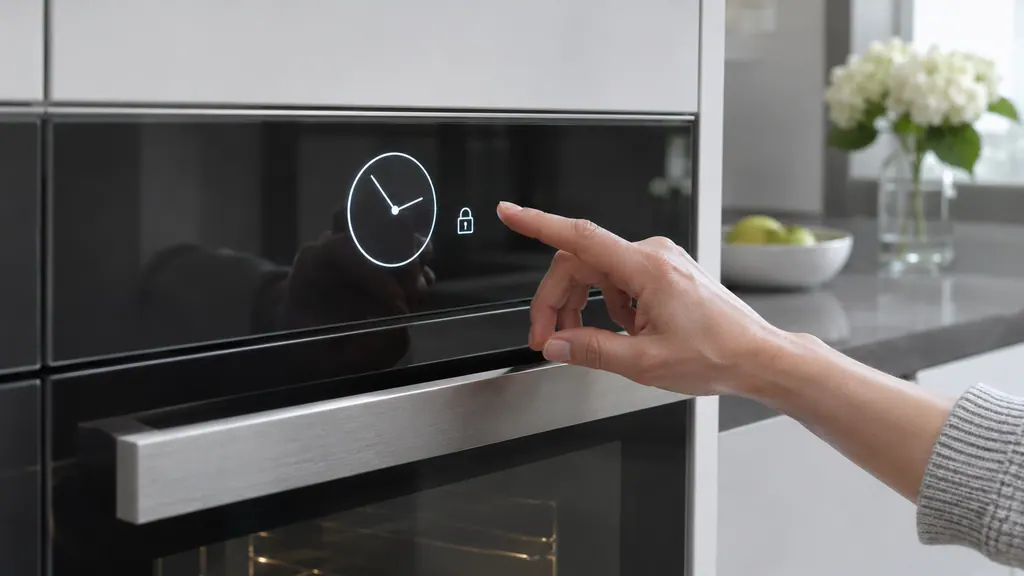
The system lock is a setting that keeps the oven from starting unintentionally. When it is active, System Lock shows when you turn the oven on. Touch the lock symbol for at least 6 seconds to cook, or turn the lock off in settings. 1
Two details help. First, a power failure does not clear it: the lock stays active. 1 Second, you can still set an alarm and a timer, and use the MobileStart function, while it is on. 1 So an oven that "won't turn on" but lets you set a timer is the lock, not the heating.
To remove it for good, select the Safety, System Lock, Off setting. 1 The Safety menu also has a separate sensor lock, which stops the sensor buttons and display fields from working for a few seconds after a program has started, except the On/Off button; touch OK for at least 6 seconds to lift it for a short time. 1
Our code row for the same message: System Lock.
- 1
- 2
- 3
What does "Power failure" mean?#
A brief power failure stopped the cooking process that was running. Turn the oven off, turn it back on and restart the program. The message tells you that power dropped, not that the oven is damaged. 1
Food that was inside needs a look before you carry on, because the cooking process did not finish. No safe holding time is printed, so use your own judgment about it.
The same message appears in one more situation. In Sabbath Program and Yom-Tov special modes, a power failure cancels the special mode, and the manual says the oven only stays in line with Sabbath rules for as long as it stays disconnected from power. When power returns, "Power failure" is displayed. 1 Our code row: the Power failure message.
On the gas cooktop, a power cut means something else: the automatic re-ignition does not work properly. Our guide on lighting burners by hand covers it. 1
Why does the display show 12:00?#
Because the oven has lost its time of day. The time is saved for about 150 hours through a power failure; a longer outage clears it and 12:00 appears. Set the date and time again in the time settings. 1
If the oven is connected to a WiFi network and signed into the Miele app, the manual says the time is synchronized from the location setting in the app. 1 You can also choose a 24-hour or 12-hour format when you set it.
A quick tip from the manual: with no cooking program running, tap the time in the header to change it. 1 Our row: 12:00 on a microwave or oven shows the same message on the speed oven family.
What is "Maximum operating duration reached"?#
A safety shut-off. The oven was running for an unusually long time, so it switched itself off. Confirm with OK and it is ready to use again. 1
Nothing is broken, but ask yourself what was running. An oven that stayed on overnight after a long cooking program, or a program someone started and forgot, is the usual story. Our row: Maximum operating duration reached.
Which other oddities turn out to be settings?#
A dark display, silent beeps, sensors that do not respond with the oven off, a fan that runs after cooking, an oven that turned itself off, and interior lighting that goes out are all explained as settings or normal behavior in the table. 1
- Display is dark. If Time, Display is set to Off, the clock is dark while the oven is off. 1
- Audible signal does not sound. Signals are off or set too low; use Settings, Volume, Buzzer Tones. 1
- Sensor buttons or proximity sensor do not respond. QuickTouch may be off, which keeps them silent while the oven is off, or the MotionReact proximity sensor setting is off. 1
- Noise after a cooking program. The cooling fan stays on after a program (see the Cooling fan run-on setting). 1
- The oven turned itself off. To save power, it switches off when no button has been pressed for some time or after a program ends. 1
- Interior lighting goes out after a short time. The Lighting setting is on for 15 seconds; choose On to keep it lit through a program. 1
If the display does not respond at all, the manual suggests touching and holding the On/Off button until the display turns off and the oven restarts. 1
And what about demo mode?#
Demo mode is a showroom setting. The menus and buttons work but the oven does not heat. It belongs in its own guide, because it looks like a dead heating element: see demo mode on a Miele range or freezer. 1
Where a technician comes in#
Book when an error message with an F number appears, such as F32 or F33 and the oven restarts do not help; when a message appears that your manual does not list; or when the oven keeps shutting itself off before a cooking program is done. 1
Book a technician with us. You approve a quoted price first, and the exact total follows once the range has been inspected at home. If the maker's warranty is still running, the maker owns that repair. Anything we repair is backed by our workmanship warranty. Our range service page outlines the visit.
Sources#
- Operating Instructions: 30 Inch Dual Fuel Range (electric oven and gas cooktop)Miele, en-US, CA edition · M.-Nr. 11 919 010 · PDF pages 42 (switching on during a power failure), 51-52 (time of day), 60 (system lock, sensor lock, Showroom Program), 76 (special modes and power failure), 105-107 (frequently asked questions)