What it means
Demo mode means the cooktop will not heat: the zones stay cold because the showroom demonstration setting is on. Miele’s web page shows it as dE. Switch the setting off with the touch sequence for your controls.
Miele cooktop Demo mode / Locks and modes
Demo mode means the cooktop will not heat: the zones stay cold because the showroom demonstration setting is on. Miele’s web page shows it as dE. Switch the setting off with the touch sequence for your controls.
Also shown as Demo mode
Demo mode means the cooktop will not heat: the zones stay cold because the showroom demonstration setting is on. Miele’s web page shows it as dE. Switch the setting off with the touch sequence for your controls.
Place induction-compatible cookware on the cooktop.
The demo setting is back after you turned it off.
Your Miele checks, kept in this browser only
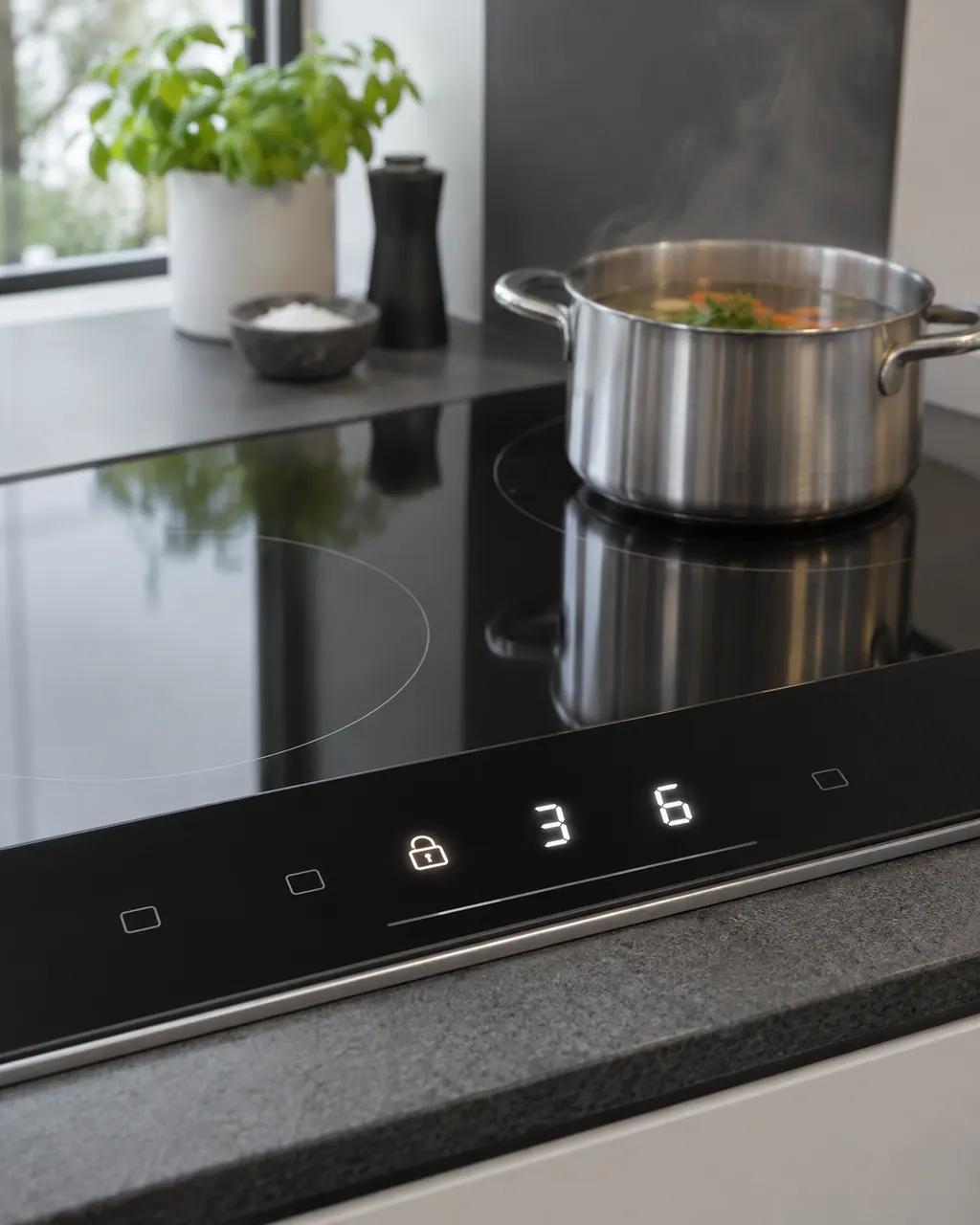
Place induction-compatible cookware on the cooktop.
Touch the 0 sensor control on any numerical display.
Touch the 0 and 2 sensor controls together for 6 seconds. dE then flashes with On or OFF.
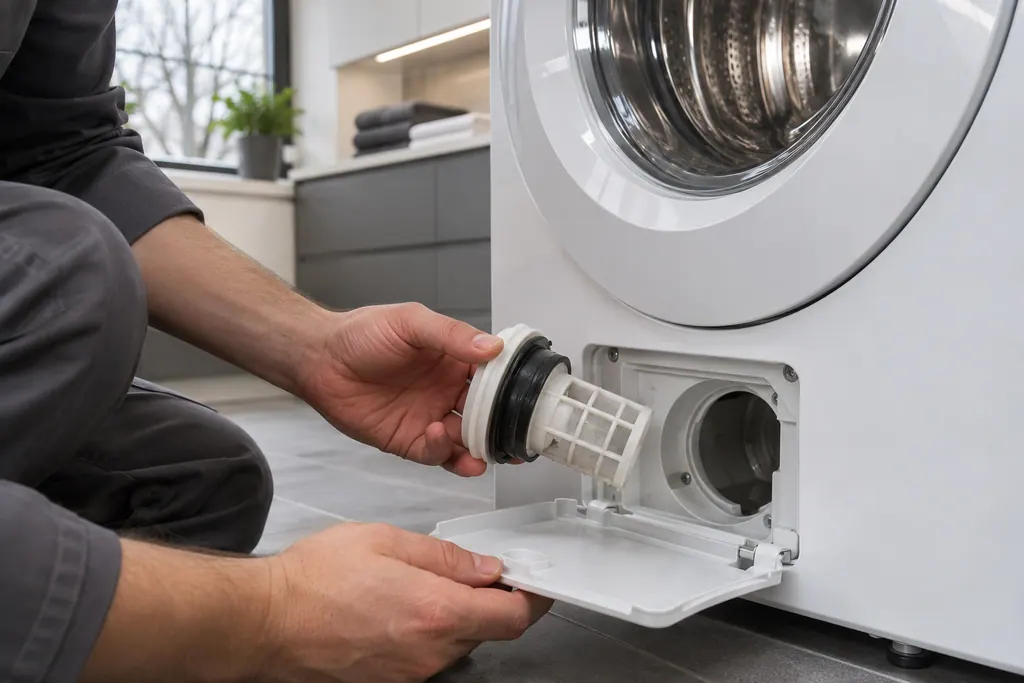
Turn the front left knob counterclockwise and hold. Then follow the knob steps until the zone display shows 0000.
If the setting will not switch off, book a technician.
Give us your model and the checks you have already made, then start your request below.
Book a visitA simplified drawing, since a dishwasher, a washer and a steam oven are built quite differently. Tap any outlined part to open its photo and the check that goes with it.
Component reference
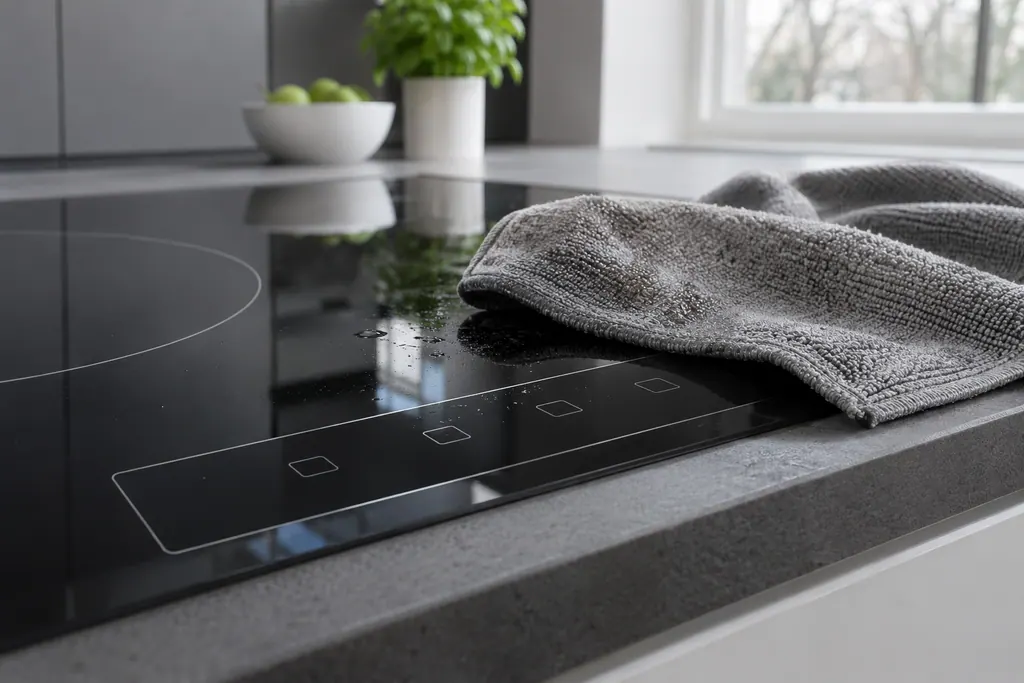
The sensor controls on a Miele induction cooktop are touch-sensitive fields for powering it up and down, setting power levels, run the timer and lock the panel.
Read the definitionA setting that lets dealers demonstrate the cooktop in showrooms without heating up. The zones do not heat while it is on.
Read the supporting manualSwitch on, place cookware, press 0 on a numerical display, then touch 0 and 2 together for 6 seconds. dE flashes alternately with On or OFF.
Read the supporting manualHold the front left knob counterclockwise, turn the front right knob twice briefly counterclockwise and then hold until the display reads dE or 0000. 0000 means demo mode is off.
Read the supporting manualIt may have been left on from a showroom display or switched on by accident. The page does not say.
Read the supporting manualManufacturer document
Miele (miele.com / mieleusa.com operating instructions)
M.-Nr. 12 161 430; fetched 12.11.2026 / PDF p65
Manufacturer document
Miele USA (mieleusa.com customer assistance page)
Undated web page; read in a browser 12.11.2026 / Whole page
Read from Miele USA’s page for dE on cooktops and the induction cooktop manual (US edition 12 161 430).
On cooktops without knobs, yes, an induction-compatible item.
Miele’s page does not expand it; it signals demo mode.
The manual calls the function Demo mode, and the display shows dE.
A setting that lets dealers demonstrate the cooktop in showrooms without heating up. The zones do not heat while it is on.
Miele codes, symptoms, parts, repair visits
When a Miele induction zone will not heat, the manual points to a system lock or safety lock, demo mode, no suitable cookware, or no power at all. Clear the lock, press the 0 sensor to leave demo mode, put a suitable pan on within 15 seconds and check the breaker.
The sensor controls on a Miele induction cooktop are touch-sensitive fields for powering it up and down, setting power levels, run the timer and lock the panel. Miele says the cooktop turns itself off if one or several controls stay covered for more than 10 seconds, and shows C or F.
Book a diagnostic made for your exact model and done beside the appliance.
Where each office is, plus the access notes to pass on to us.