Inside the appliance
Cooktop sensor controls. In plain English.
The sensor controls on a Miele induction cooktop are touch-sensitive fields for powering it up and down, setting power levels, run the timer and lock the panel. Miele says the cooktop turns itself off if one or several controls stay covered for more than 10 seconds, and shows C or F.
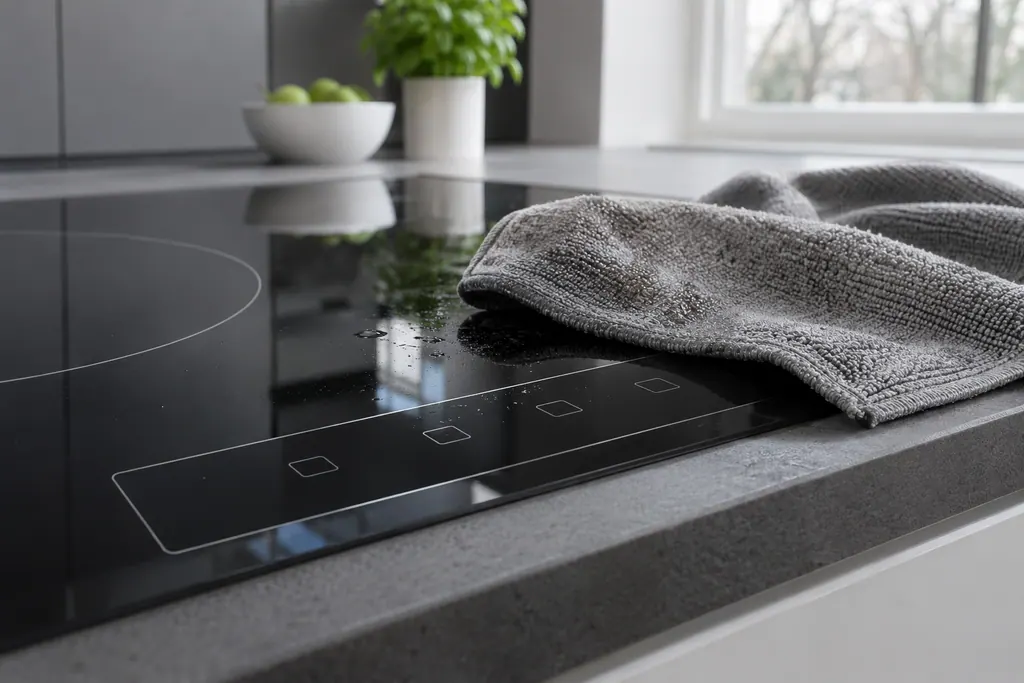
Where it fits.
Cooktop sensor controls in the appliance
On the glass surface of the cooktop.
The picture shows the kind of component. It cannot say which replacement fits your model.
How things change when this system starts to struggle.
Cooktop sensor controls concerns may turn up next to a drop in performance or a code that keeps returning. Nobody should decide the component is to blame before it has been tested.
Miele induction cooktop zone not heating
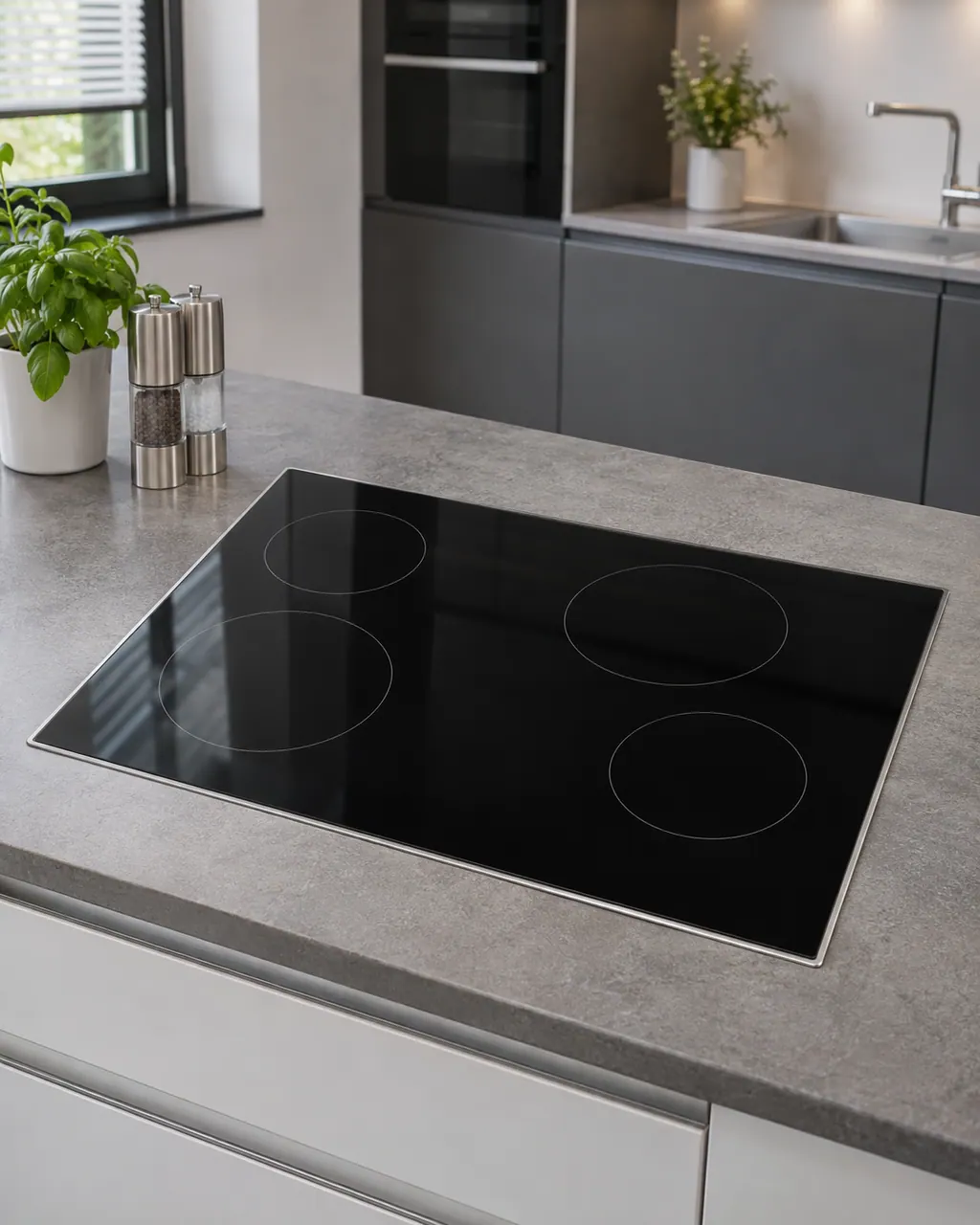
When a Miele induction zone will not heat, the manual points to a system lock or safety lock, demo mode, no suitable cookware, or no power at all. Clear the lock, press the 0 sensor to leave demo mode, put a suitable pan on within 15 seconds and check the breaker.
Miele cooktop switches off by itself
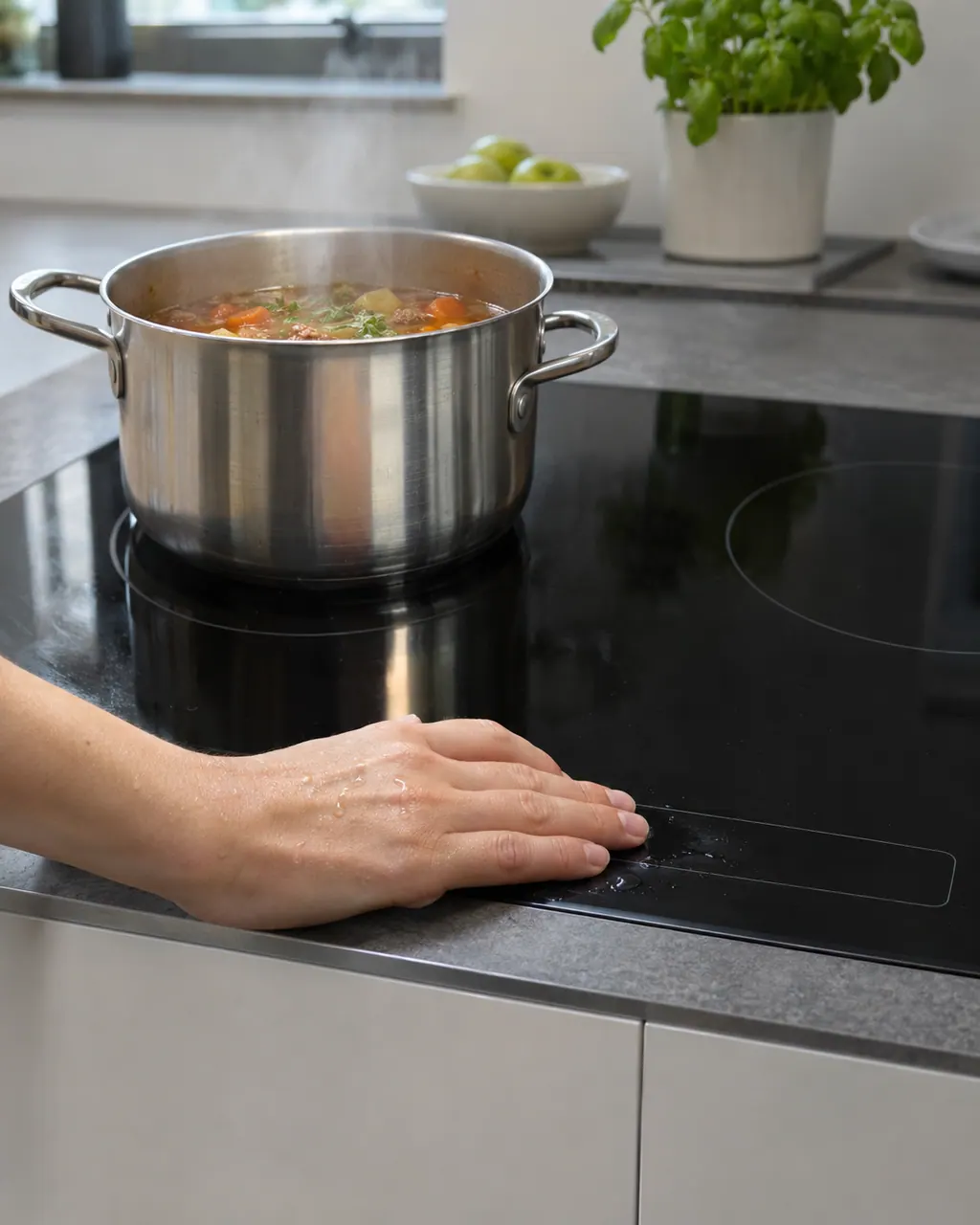
A Miele induction cooktop that shuts a zone or itself off is usually reacting to something. The manual lists covered sensor controls, a zone left on too long, and overheating protection. Clean the controls, let it cool, fix the cause of the heat and check the fan is not blocked.
Owner care, within the model instructions.
Switch the machine off and unplug it before any check of your own. Watch for standing water and sharp corners. Never touch a wet plug, open a service panel or go beyond what the manual for your model allows an owner to do.
- 1
Clear the control field
Take pans, cloths and utensils off the controls and wipe up boiled-over food. Miele says the cooktop is ready again once the covering is gone.
- 2
Switch on again
Touch the On/Off sensor control. The signal above it goes out once the object or soiling has been removed.
- 3
Look for a lock
Either lock stops the controls responding. Hold the lock sensor control for 6 seconds, as the manual prints, and let the seconds run down.
- 4
Mind the safety shut-off
If a zone heats for an unusually long time, Miele says it drops to power level 1. Turn the zone off and on again to use it.
Cleaning or replacement?
Leave internal testing to a technician.
C or F returns on a clear, dry panel.
A control does not respond after you cleaned the glass and tried the lock steps.
Arrange a diagnosticSee the neighboring components.
Cooktop cooling fan
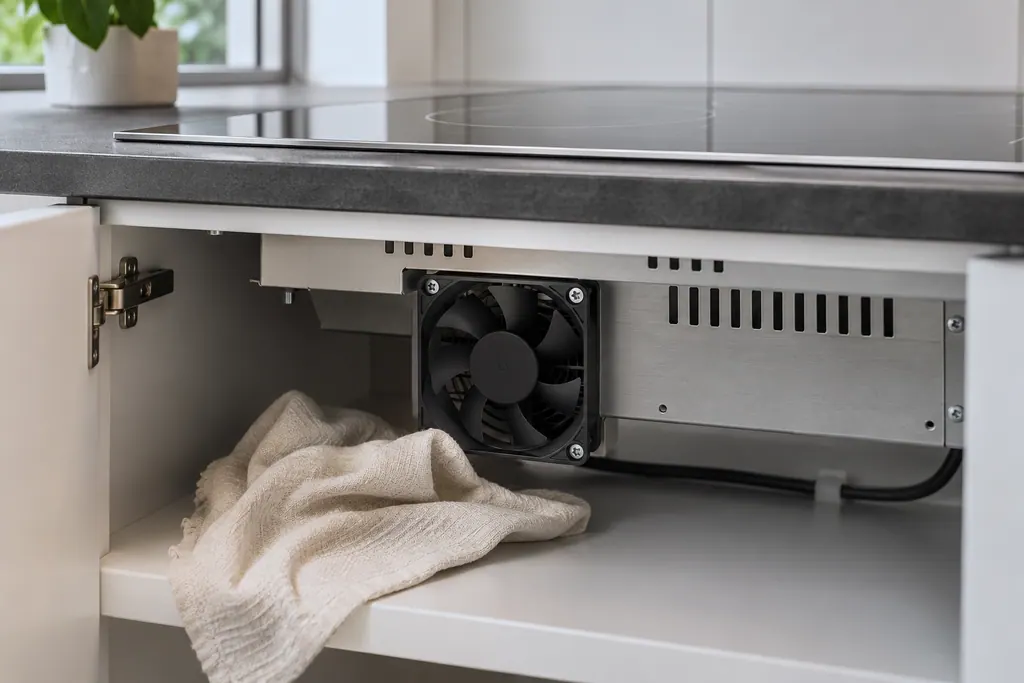
An induction cooktop from Miele has a cooling fan that protects the electronics during intensive use. It can whir and keep running after the cooktop is switched off. An E number or Err 047 to 049 in the timer display points to a blocked fan.
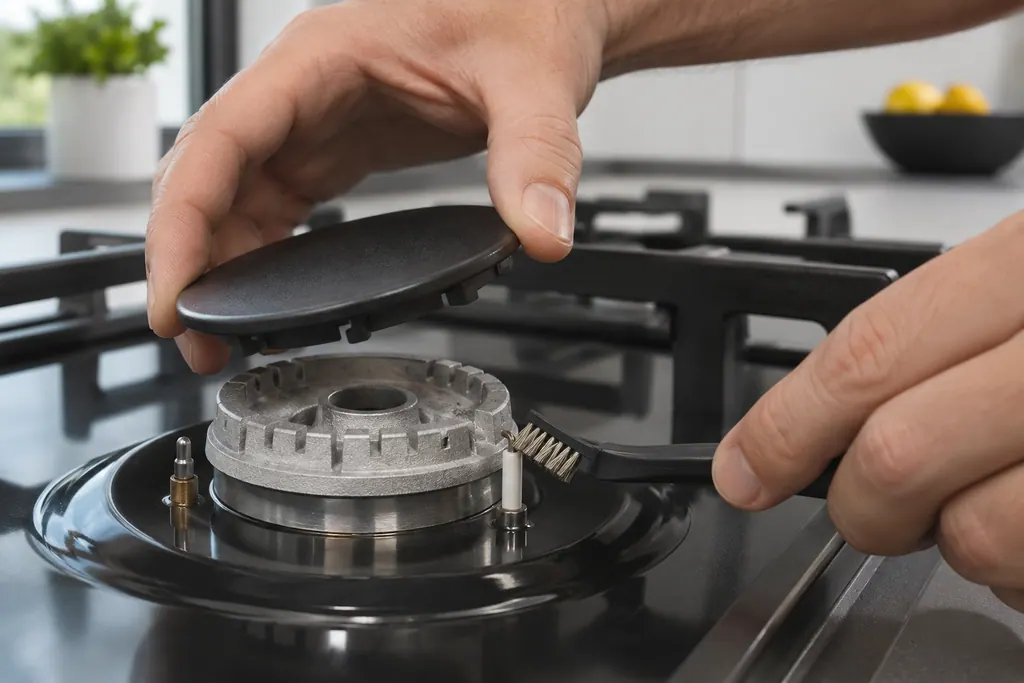
Range gas burner ignitor
Each burner on a Miele gas range has an ignitor that makes a spark as the knob turns. Miele says a wet or dirty ignitor gives no spark, so the burner will not light. Food stuck between the ignitor and the burner cap is a listed cause.
Sources and model boundaries.
These documents stand behind the Cooktop sensor controls guidance. Open the manual that matches your model.
- Miele induction cooktops (US operating and installation instructions)
Match your exact model to its operating instructions. See how we research these pages.
Why did my cooktop switch itself off?
Miele says the cooktop stops itself when a sensor control stays covered for more than 10 seconds, for example by a finger, boiled-over food or an object. Clear it and switch on again.
Which controls does the panel have?
Miele lists Stop & Go, Cooktop On/Off, Wipe protection, Keeping warm, Automatic reduce, the kitchen timer and a numerical display for power levels and time.
What is the wipe protection control for?
Miele describes it as the control for locking the sensor controls, so you can wipe the glass without changing a setting.
What shows with the cooktop off?
Only the printed symbols for the sensor controls and the numerical display. The remaining controls light up once you switch it on.
Does it ever need a technician?
Book when the message comes back on a clean, clear panel, or a control stays dead after the lock steps.
Miele codes, symptoms, parts, repair visits
Follow the message to what you do next.
C
C means the cooktop switched itself off because a sensor control stayed covered for about 10 seconds or more, by a finger, boiled-over food or an object. Wipe off the soiling, remove the object and switch the cooktop on again.
Miele induction cooktop zone not heating
When a Miele induction zone will not heat, the manual points to a system lock or safety lock, demo mode, no suitable cookware, or no power at all. Clear the lock, press the 0 sensor to leave demo mode, put a suitable pan on within 15 seconds and check the breaker.
Cooktop repair
Book a diagnostic made for your exact model and done beside the appliance.
Find your metro
Where each office is, plus the access notes to pass on to us.