Before work starts
The technician discusses the repair with you and agrees the cost before beginning. We confirm the figure after looking over the dishwasher, washer or dryer on site.
Independent appliance repair
Book a visit for a Miele wall oven or steam oven that shows F32 or F33, F23, F10, F14, F20, F94, F196 or No signal to the probe. We cover steam ovens on this page. Let a hot oven cool before you open a door or a water container.
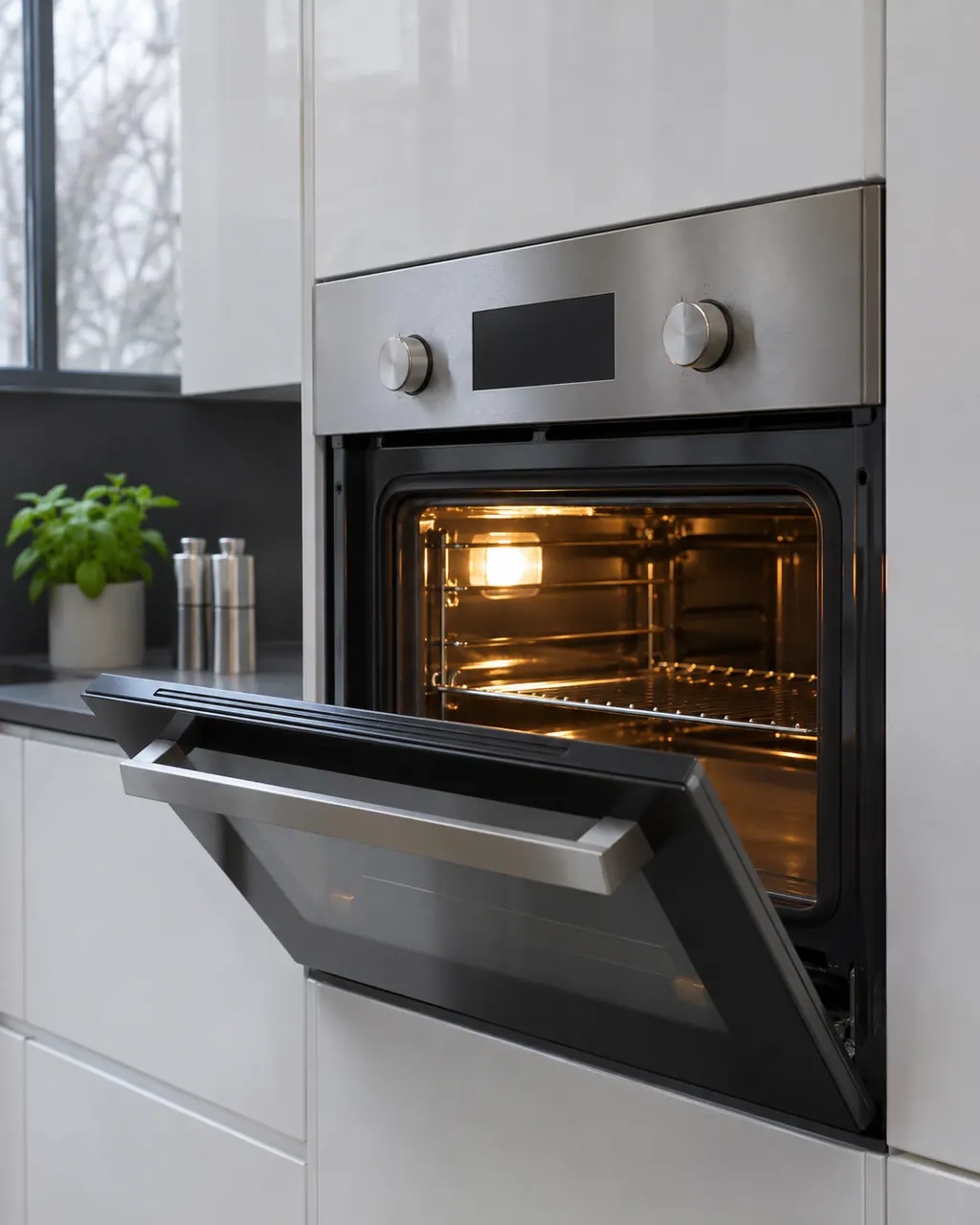
On a Miele wall oven that stays cold, the manual lists demo mode first: the display and sensor buttons work but the heating does not. Switch it off under Showroom program. Other causes are a dark display from lost power, a system lock message or a power failure message. Reset the breaker, then call us.
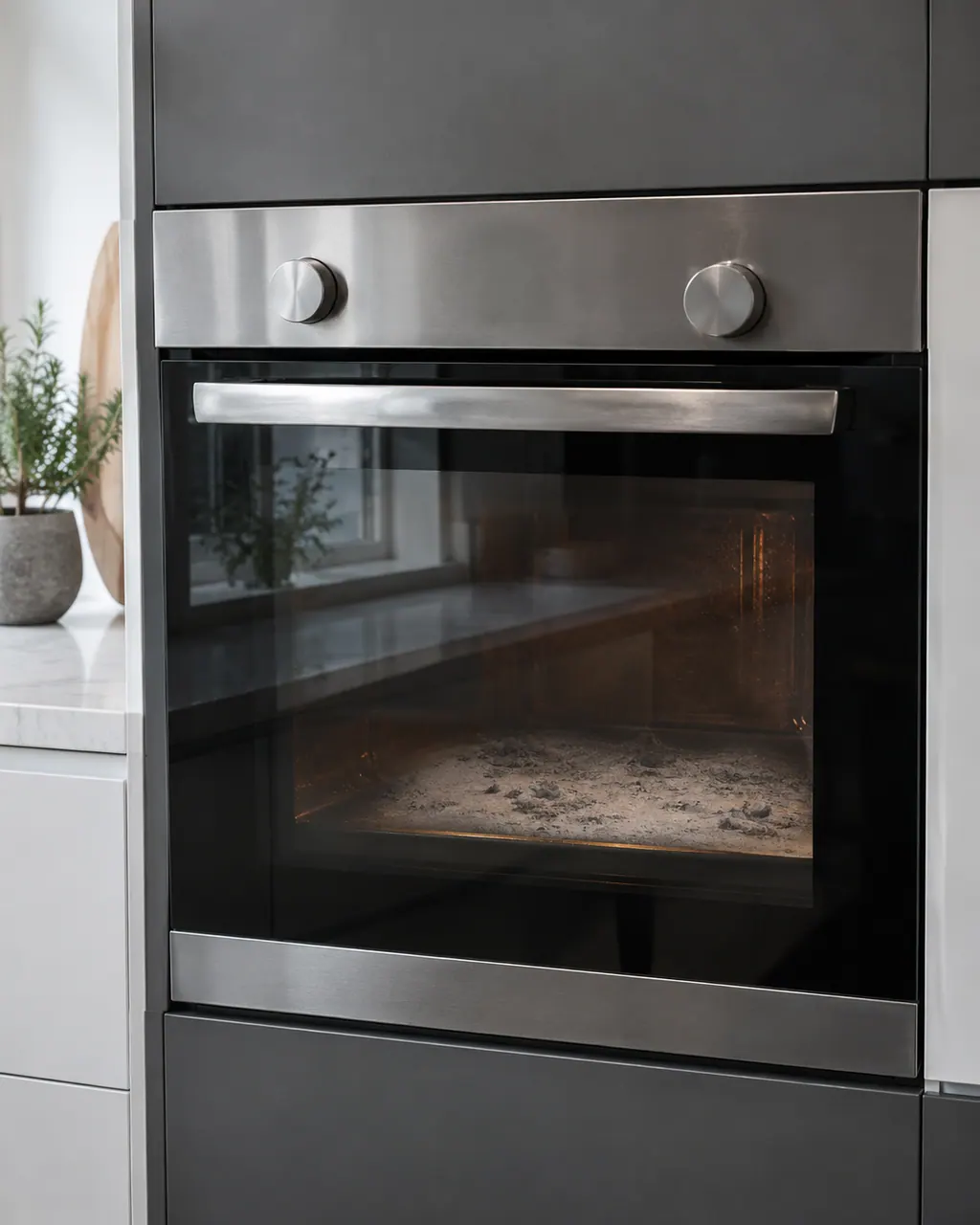
Two Miele Self Clean problems have manual answers. F32 means the door lock did not lock and F33 means it did not open: turn the oven off and on, and run Self Clean again. If soil is left, it is ash: wipe it off, and repeat the program for longer if coarse soil remains.
On a Miele steam oven, F10 is a water inlet problem. The most common cause is the black suction hose in the water container being loose or not vertical. Reattach it and stand it upright. An osmosis filter or a dried-out feed pump can also cause it.
On a Miele combi-steam oven, F11 means the drain hoses are blocked. The manual’s remedy is to descale the steam oven.
F134 means the temperature sensor reads the oven compartment as too hot. Miele says you cannot remedy it yourself. Switch the oven off and book a technician.
F14 with the water inlet symbol shows that the steam generator is not receiving enough water. Turn the steam oven off and on again. If the message returns, switch it off and book a technician.
F190 means the water intake valve reports a problem, which can happen if the control panel was opened or closed during water intake. Confirm with OK and carry on. If it comes back, book a technician.
F196 means the drain filter in the oven compartment floor is not seated correctly. Switch the oven off, insert it with the curve pointing up, and switch on. If it persists, update the software and book a technician.
F20 has two readings. The combi-steam manual prints it with F11 and says to descale. Miele USA’s web page says the oven is not getting hot: restart, seat the water container, and lubricate its coupling seal with the supplied silicone grease.
F23 means the Self Clean temperature was not reached, possibly because of a lot of residue in the oven. Switch the oven off, remove coarse soiling, then start Self Clean again.
F32 means the door lock for the Self Clean program did not lock. Check for anything in the door seal area, switch the oven off and on, then start Self Clean again.
F33 means the door lock for the Self Clean program did not open. Switch the oven off and on. If the lock will not release, stop and book a technician.
F44 is printed as a communication error in the steam oven. Switch the steam oven off, wait a few minutes, then switch it on. If it returns, book a technician.
F55 means the oven ran for the longest time allowed and shut itself off for safety. Grill modes cut off at 6 hours and other modes at 12 hours. Switch the oven off and on; it is ready again at once.
F60 means the oven is not getting enough ventilation. Check the oven air duct is not covered or blocked, disconnect the oven from power, then reconnect.
F94 means no water is getting in: the intake hose is trapped or kinked, the supply is turned off, or float switches in the water container are stuck. Correct the cause, open the intake valve and start again.
An oven part is named only after our visit. You see a price before anything is ordered, and the decision is yours.
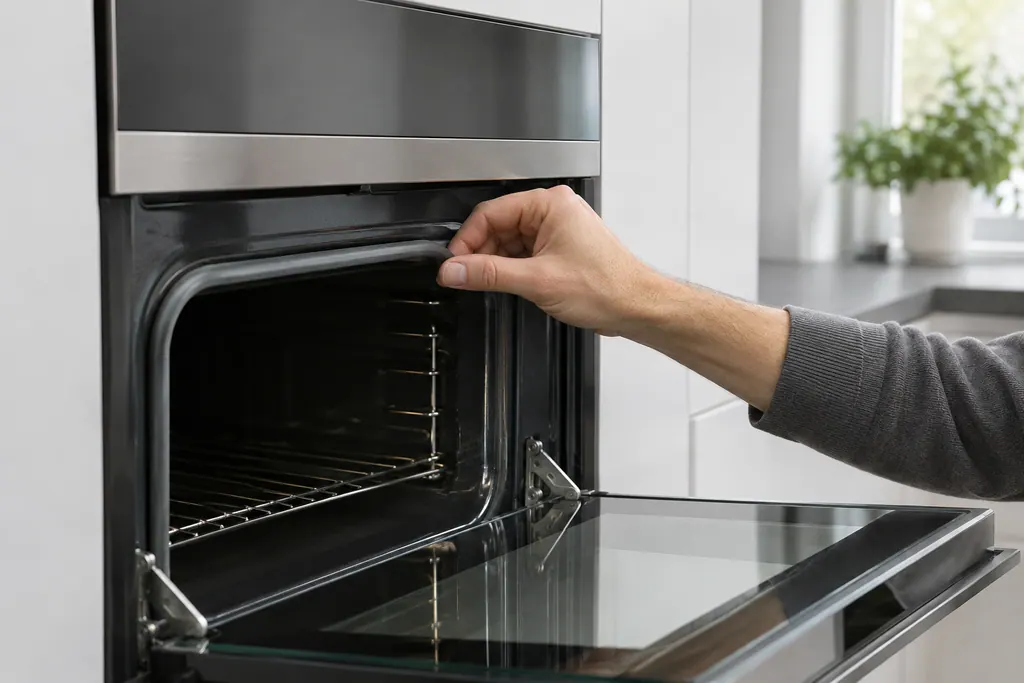
A Miele oven door is made of glass panes, and air is passed through it to keep the outer pane cool. At the start of Self Clean the door locks, and it opens again only once the compartment has dropped below 535 F (280 C). F32 and F33 name a lock that did not close or open.
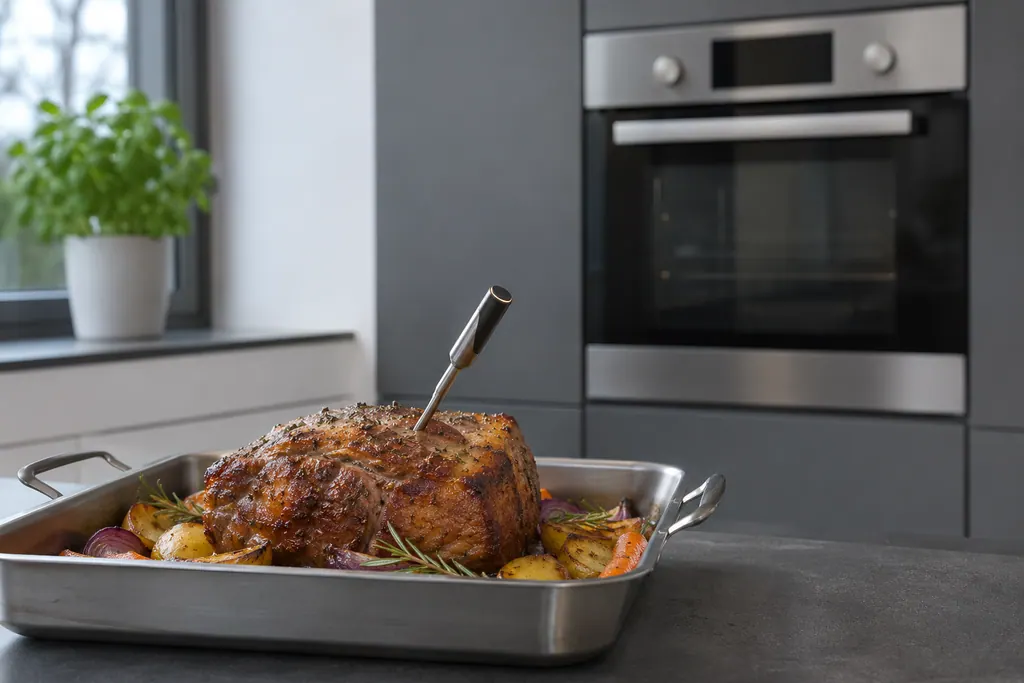
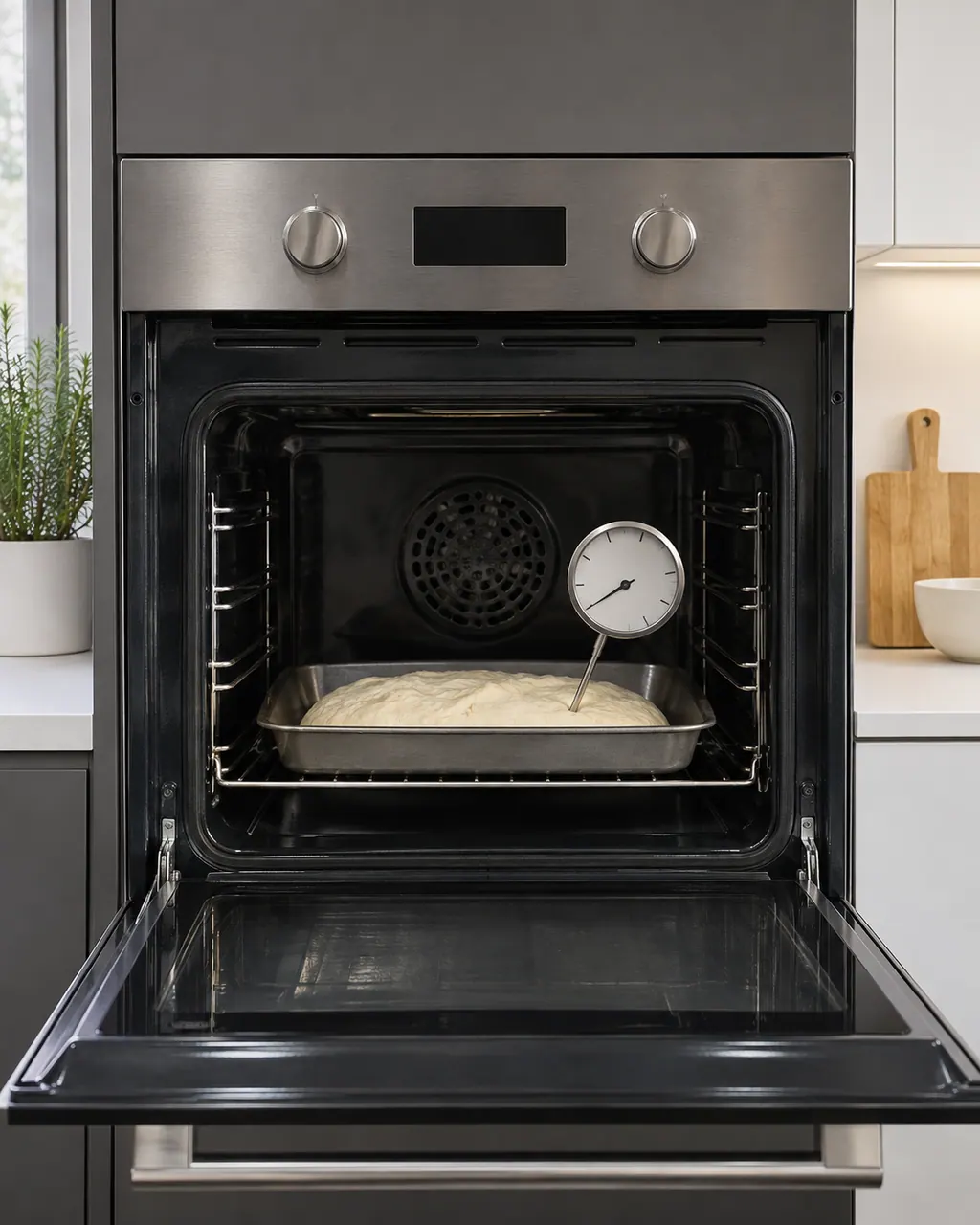
The wireless precision probe in a Miele oven reports the core temperature of the food. The oven stores it in a sleeve in the front frame. No signal to the probe means the oven is not receiving it, and Miele says a nearby microwave can interfere.
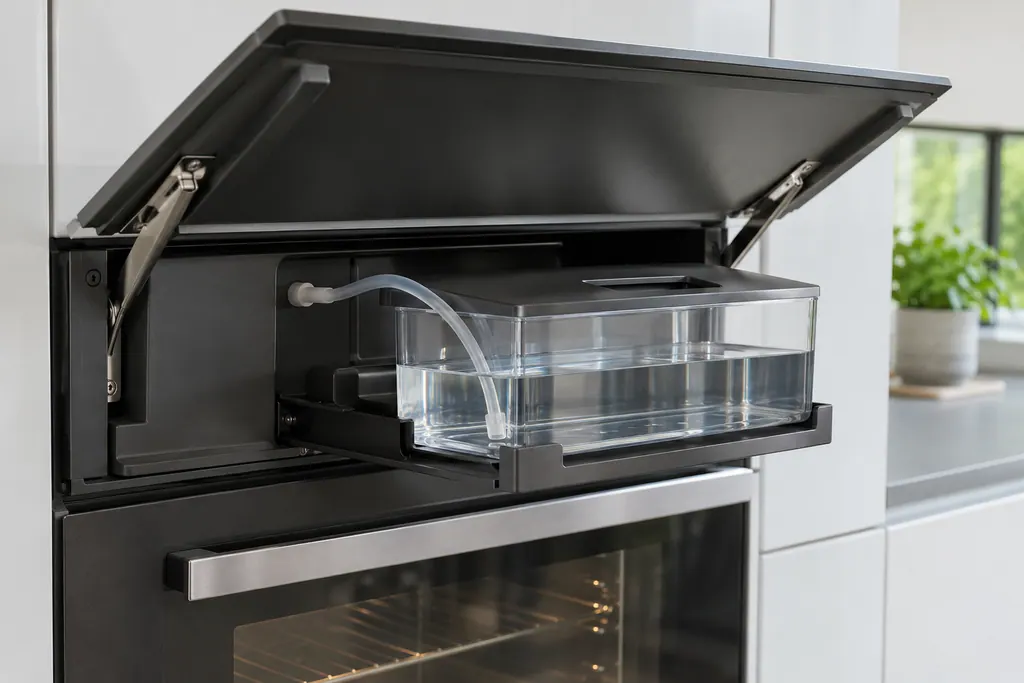
The water container of a Miele steam oven sits behind the control panel. Water is pumped into it and then into the steam generator. Miele warns that blocking its opening on the front can cause an error, and it ties F10 and F94 to the hose and float switches.
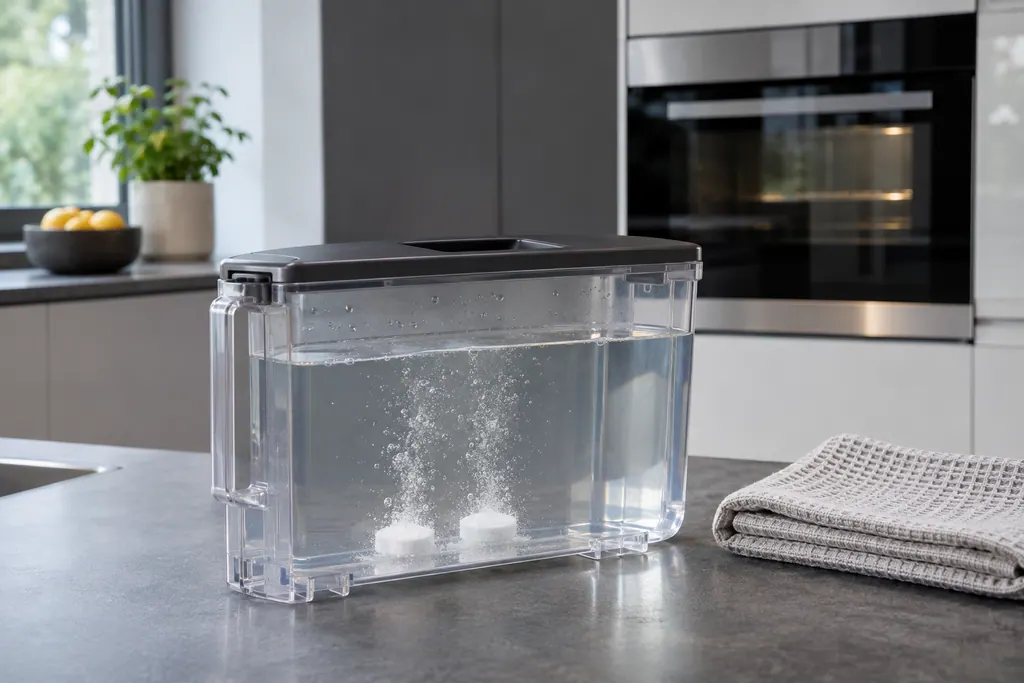
A Miele steam oven has to be descaled after a set number of operating hours. The display counts the uses left, and the oven locks out after the last one. Miele says to descale before it locks, with Maintenance, then Descale, using Miele descaling tablets in the water container.
How we work.
Careful, tidy, explained.
Pick the dishwasher, washer, dryer or other appliance, and describe the message or the noise.
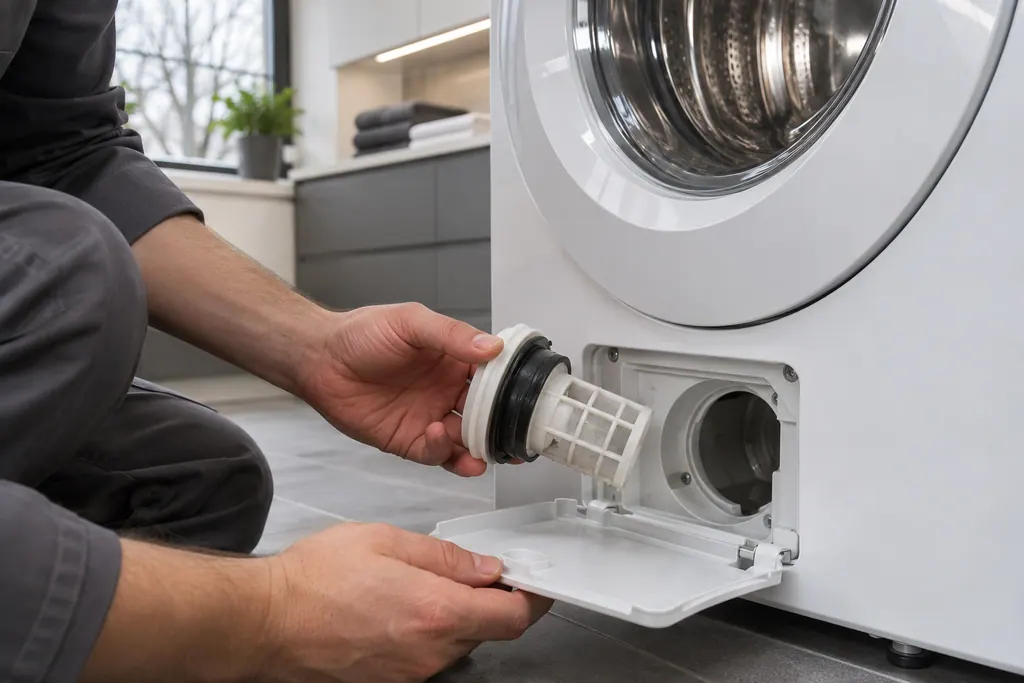
The technician looks over the machine, explains the cause in plain words and agrees the cost with you before work begins.
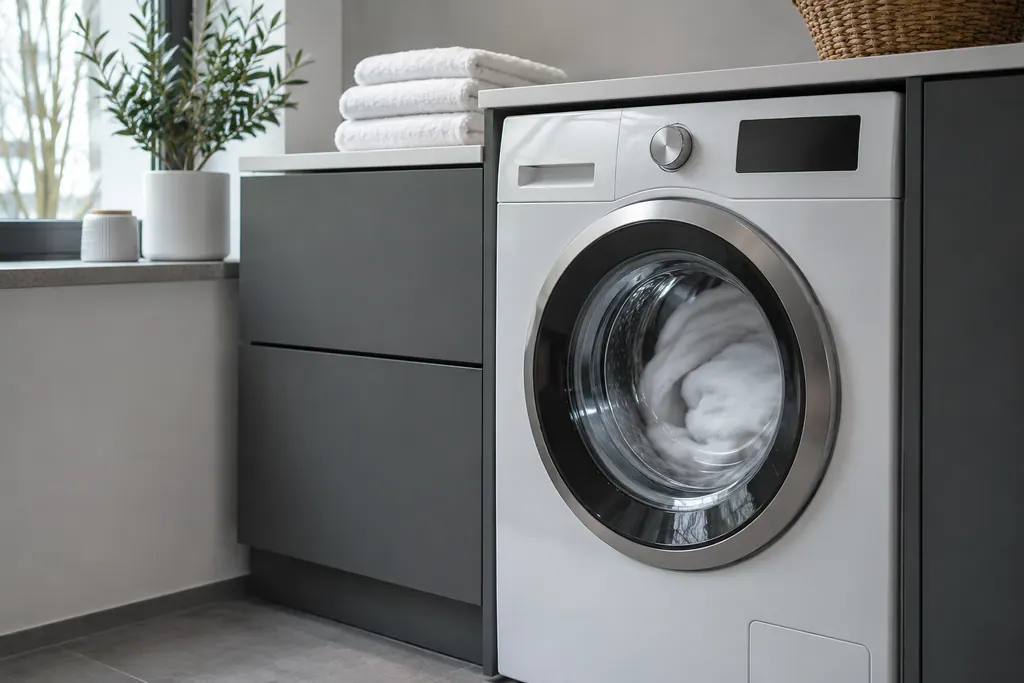
After the repair, the technician runs the machine and goes through the result with you.
For F32 or F33, switch the oven off and on, then repeat Self Clean. Look for anything in the door seal area.
For F10, F14 or F94, seat the suction hose, open the supply, and free the float switches in the water container.
F20 and F11 point to descaling the steam oven. Use Miele descaling tablets and do not stop the program midway.
For No signal to the probe, push the probe into the food again and turn off any nearby microwave.
F32 or F33 repeats after a restart.
A steam oven water message returns after a full descaling run.
F134, F44, F60 or an unlisted error code shows; Miele lists no owner fix for the first and last.
Arrange a diagnosticThe technician discusses the repair with you and agrees the cost before beginning. We confirm the figure after looking over the dishwasher, washer or dryer on site.
Miele deals directly with repairs that its manufacturer warranty covers. Our own repairs carry a separate warranty on workmanship.
The door lock for the Self Clean program did not lock. Switch the oven off and on, then start Self Clean again.
Miele says to descale the steam oven. If the message appears again after descaling, the manual asks for service.
Yes. F55 means the oven ran as long as allowed and shut itself off. Switch it off and on and it is ready again.
A Miele still inside its warranty period belongs with the maker for repairs. When that period is over, book a visit with us.
Miele codes, symptoms, parts, repair visits
On a Miele steam oven, F10 is a water inlet problem. The most common cause is the black suction hose in the water container being loose or not vertical. Reattach it and stand it upright. An osmosis filter or a dried-out feed pump can also cause it.
On a Miele wall oven that stays cold, the manual lists demo mode first: the display and sensor buttons work but the heating does not. Switch it off under Showroom program. Other causes are a dark display from lost power, a system lock message or a power failure message. Reset the breaker, then call us.
A Miele oven door is made of glass panes, and air is passed through it to keep the outer pane cool. At the start of Self Clean the door locks, and it opens again only once the compartment has dropped below 535 F (280 C). F32 and F33 name a lock that did not close or open.
Book a diagnostic made for your exact model and done beside the appliance.
Where each office is, plus the access notes to pass on to us.