On this page
- The system lock prevents the microwave from being switched on inadvertently and survives a power outage. 1
- The timer works while the system lock is on. 1
- Place food in oven appears after about 20 minutes without the door opening, or when you start without opening it. 1
- A brief power failure stops cooking, and a failure over 150 hours resets the clock to 12:00. 1
What do "Press OK for 6 seconds" and "Place food in oven" mean?#
The first means the system lock is on. The second is a reminder that a microwave must not run empty. Neither is a failure: one needs a 6 second touch of OK, the other needs you to check the cavity and confirm. 1
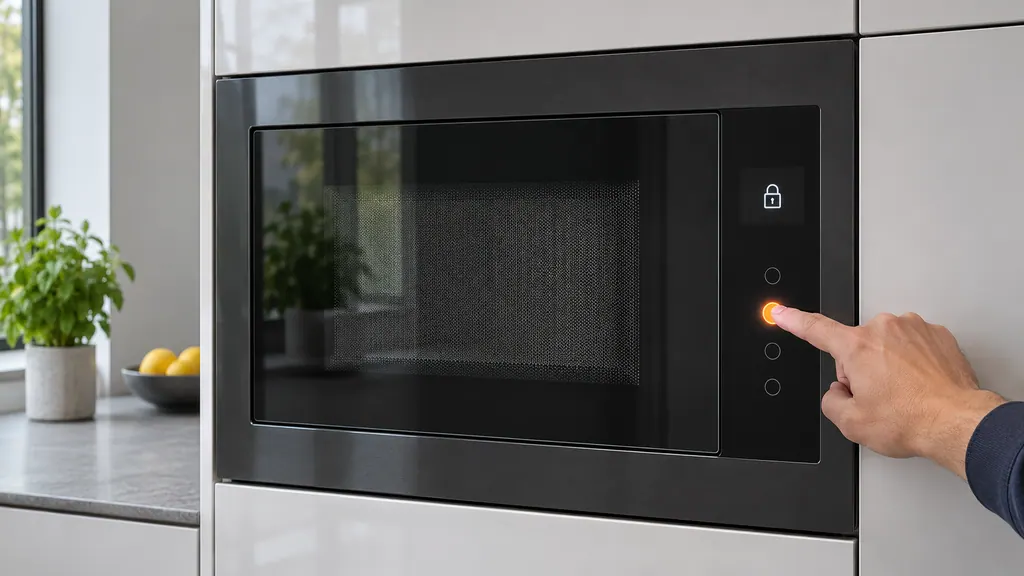
These answers come from the Miele M 7240 TC Operating and Installation Instructions (M.-Nr. 12 003 550, US and Canada edition). The control panel has an On/Off button, a Quick MW key, a back key, a navigation area, an OK control that lights orange when there is something to confirm, and a Start control that lights green when the microwave is ready. 1
| Display | Meaning | What you do |
|---|---|---|
| Press OK for 6 seconds | System lock on | Hold OK 6 seconds, or switch the lock off 1 |
| Place food in oven | Reminder not to run empty | Check for food, then OK 1 |
| Power Failure | A short power cut stopped cooking | Switch off and on, restart 1 |
| 12:00 | Power out for over 150 hours | Set the time of day 1 |
| Dark display | Clock display set to Off | Turn the microwave on 1 |
Our rows for these prompts: Press OK for 6 seconds, Place food in oven, Power Failure and 12:00.
How do I get past "Press OK for 6 seconds"?#
Touch the OK control and hold it for at least 6 seconds. That lifts the lock for one cooking process. To remove the lock for good, choose More, Settings, Safety, System lock, Off. 1
- 1
- 2
- 3
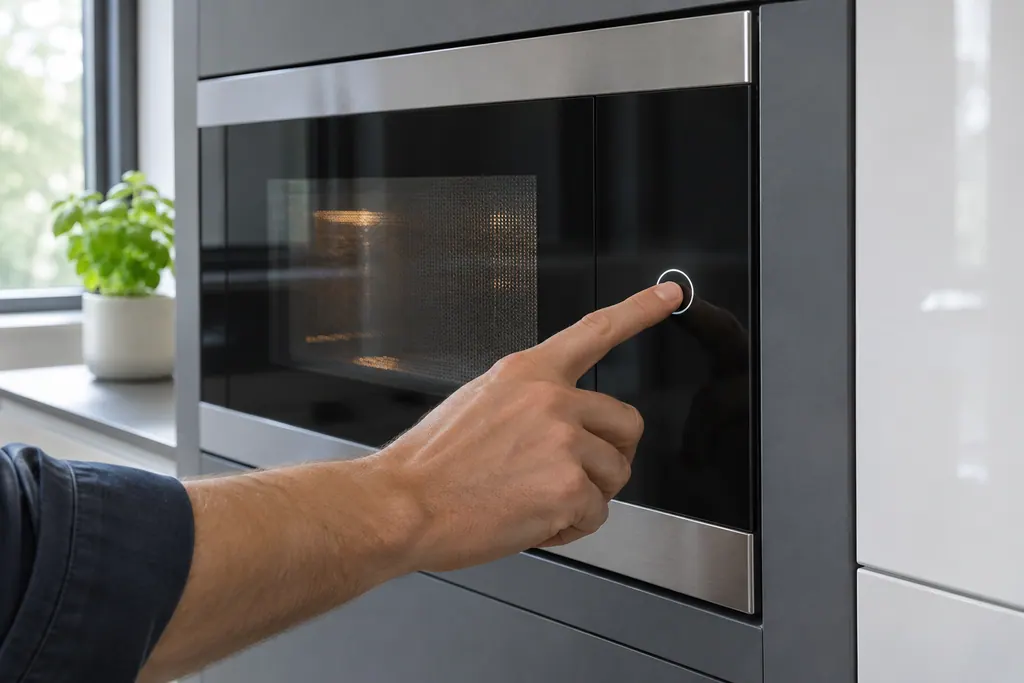
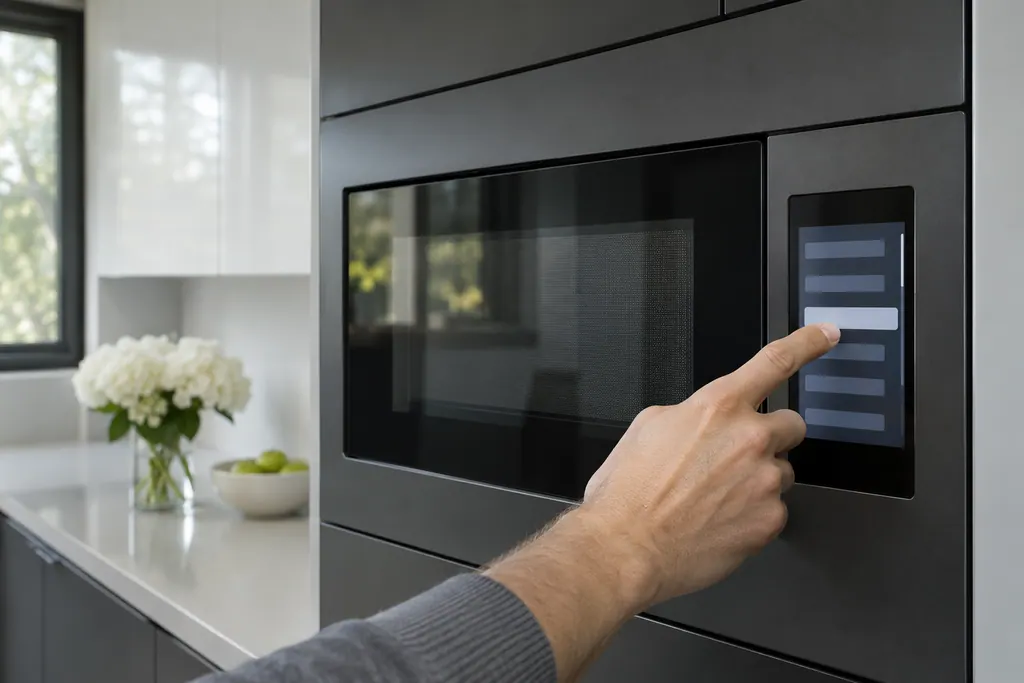
The manual states what the lock is for: it prevents the microwave oven from being switched on inadvertently, and the safety instructions say to activate it so that children cannot switch the microwave on by mistake. 1 The same section warns that hot contents can cause severe burns and that children must not use the microwave. 1 So think before you leave it off in a household with small children.
Two more facts about the lock. The timer can still be used while it is on. And the lock remains activated even after a power outage. 1 That is why a microwave can come back from a power cut still asking for 6 seconds.
What is the sensor lock, and how is it different?#
It locks the controls once cooking is under way. A few seconds after a cooking process starts, every sensor control and display field stops responding except On/Off. Touch OK for at least 6 seconds to lift it briefly. 1
The sensor lock protects a cooking process from being switched off by mistake or settings from being changed. 1 If you find the controls dead partway through a program, and On/Off still works, this is the likely reason. It sits next to the system lock in the Safety menu, and each can be On or Off; both are Off at the factory. 1
Why does it say "Place food in oven"?#
Operating a microwave oven while empty can damage it. The prompt appears if you try to start a process without opening the door first, because the oven cannot tell whether food went in. Check for food, then confirm. 1
The manual describes it as a reminder that applies when you have not opened the door for a long time, about 20 minutes. Confirm the prompt with OK, or open the door, shut it and press the Start control. 1 There is also a setting named Oven compartment query, On at the factory; the prompt belongs to that setting. 1
Do not simply switch the prompt off to avoid it. The manual's wording explains the aim: make sure some food has actually been placed inside the oven before starting. A microwave that runs empty can be damaged. If you wonder why you see it right after opening the door and loading food, you probably did not: the prompt only appears when the door has not been opened first.
What about Power Failure and 12:00?#
Power Failure means a brief power cut stopped the cooking process. Switch the microwave off and on, then restart cooking from the beginning. 12:00 means the power was out for more than 150 hours, so enter the time of day anew. 1
The time of day is saved for about 150 hours through a power failure; after that it returns to 12:00. 1 The Time, Display setting also decides whether the clock shows when the microwave is off: Clock display On keeps it visible, Clock display Off darkens the display to save energy, and Night dimming shows the time only between 5:00 am and 11:00 pm. 1 A dark display on an idle microwave is therefore often a setting, not a failure. Check the plug and the breaker if it stays dark when you press On/Off. 1
Which odd behaviors are actually normal?#
A cooling fan that runs after cooking, a jerky turntable and a noise during cooking each have a plain cause in the manual's table: normal fan run-on, a dirty turntable or support, and metal or foil in the cavity. 1
- Noise after cooking. The cooling fan runs for a while to prevent moisture in the oven, on the control panel or in surrounding cabinetry, then switches off by itself. 1
- Jerky turntable. Clean the turntable, the support and the oven floor, clean the contact surfaces between turntable and support, and put them back. 1
- Odd sound while cooking. A metal dish or food covered in aluminum foil can cause it; remove the foil and check that metal dishes do not spark. 1
- Demo mode. A message that the appliance will not heat up means the showroom program is on; hold OK for 4 seconds to switch it off. Our guide on Demo mode on a range or freezer shows the same idea on other appliances. 1
What is Keeping Warm?#
An automatic function. After cooking at 450 W or more for 10 minutes or longer, provided the door remains shut and nothing is touched, Keeping Warm switches on after about 2 minutes and holds the food warm for up to 15 minutes at 80 W. 1
It can look like the microwave restarting by itself. Opening the door or touching a control cancels it, and the setting can be turned off in the Settings menu. 1 The Quick MW key also starts a cooking process at 900 W for 1 minute, and each touch lengthens it; it works only when no other cooking process is running. 1
When does a prompt turn into a service call?#
Book when the microwave will not start with the door closed, the plug in and the breaker on, when the controls ignore you even though power is present, or when sparks or burning smells come from the cavity. 1
You can book a technician with us. Expect the technician to quote a price you accept before touching the unit, with the total confirmed once they have looked it over in your kitchen. A microwave inside its maker warranty period is the maker's repair job; our workmanship is warranted by us. See our microwave service page.
Sources#
- Operating and Installation Instructions: Microwave Oven (M 7240 TC)Miele, en-US, CA edition · M.-Nr. 12 003 550 · PDF pages 7 (safety with children), 26 (symbols), 34-37 (settings), 63-64 (frequently asked questions)