On this page
What are AutoDos and the PowerDisk?#
AutoDos is the dishwasher's automatic detergent dosing, and the PowerDisk is the cartridge of powder detergent it uses. With one inserted, AutoDos dispenses the right amount for each program, and a PowerDisk covers about 20 cycles. 1
This guide follows the Miele user manual for the G 7186, G 7193 and G 7196 dishwashers (en-CA edition, M.-Nr. 12 515 430), which is the newest dishwasher manual we found; Miele's US product page for the G 7566 SCVi XXL SF also lists AutoDos. If your model differs, rely on its own manual.
Before you first use AutoDos, pull the tab off the AutoDos lid, as the manual directs, even if you do not plan to use it. 1 Insert a PowerDisk and the function activates by itself; the message AutoDos Activated appears. The AutoDos button on the control field turns automatic dispensing on and off for all programs, and the indicator light shows when it is on. 1 PowerDisks are ordered from Miele's online store, Miele customer service or a dealer. 1
If you prefer, you can dose by hand. The manual lists two ways to give detergent: automatic dispensing once a PowerDisk is in, or filling the detergent compartment yourself before each program. 1
Which AutoDos message do I have?#
Five messages cover almost every case: Check PowerDisk, PowerDisk empty, AutoDos lid open, Powder refreshing and Clean AutoDos. Each has a different cause, and only two of them stop the program. 1
| Message | Meaning | Action |
|---|---|---|
| Check PowerDisk | No PowerDisk, or an empty one, with AutoDos on | Insert a full PowerDisk, or turn AutoDos off 1 |
| PowerDisk empty, Deactivate AutoDos with OK | The disk is used up | Replace it, or deactivate AutoDos 1 |
| AutoDos lid open | The lid is not closed and locked; programs cannot start | Close and lock the lid 1 |
| Powder refreshing | The disk was rotated after 48 idle hours; no detergent this time | Nothing; run the next program 1 |
| Clean AutoDos | Time to check the housing for residue | Wipe, dry, refit 1 |
Our code rows: Check PowerDisk, AutoDos lid open and F601.
- 1
- 2
- 3
- 4
How do I change a PowerDisk?#
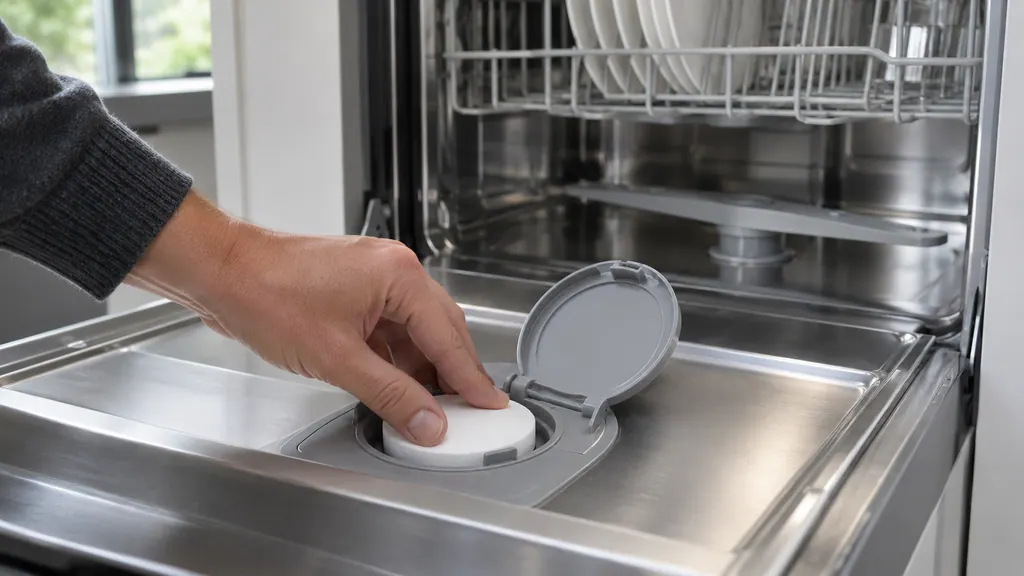
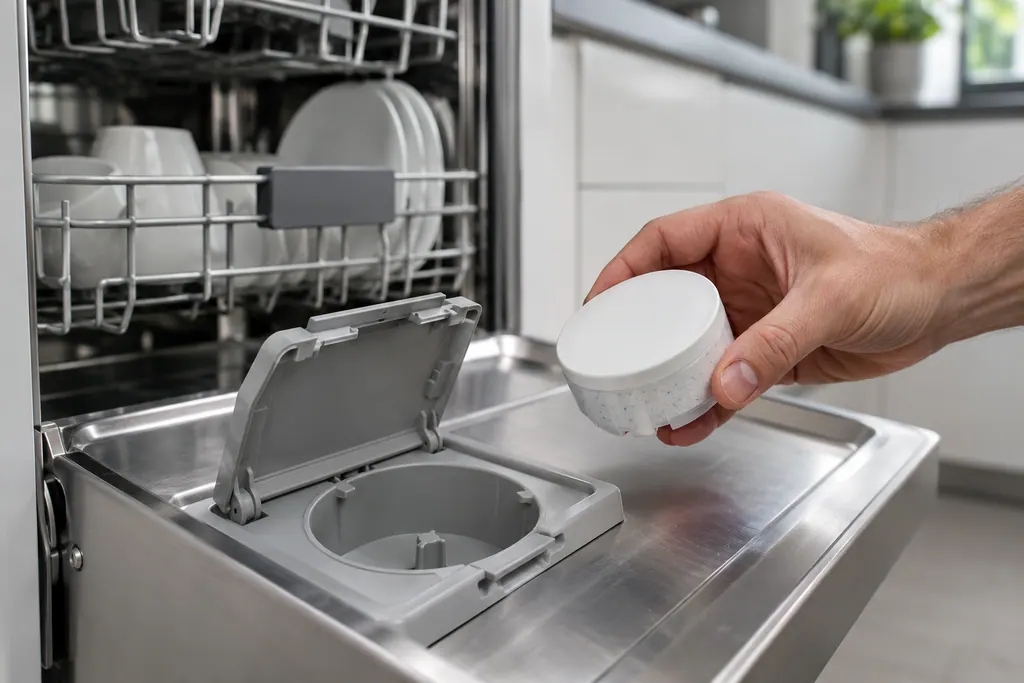
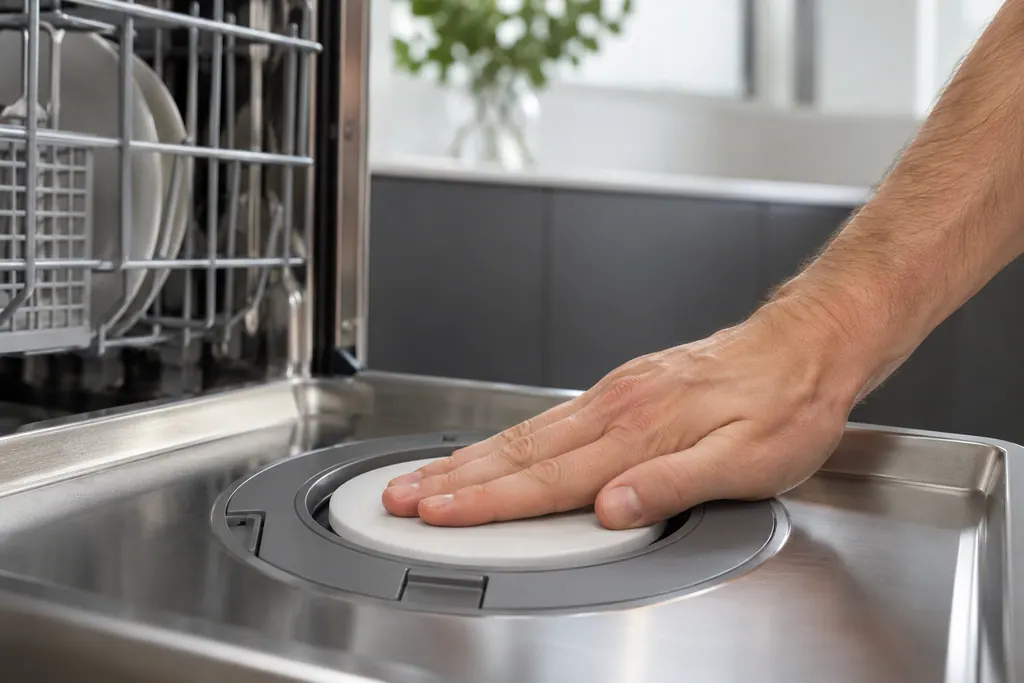
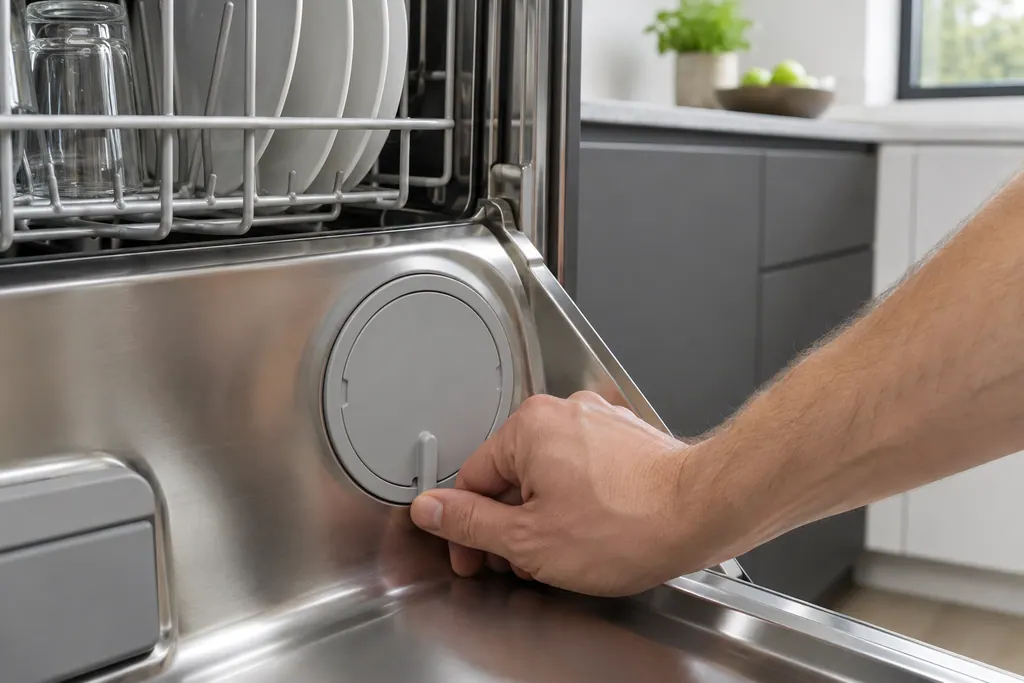
Wait for the display to say PowerDisk empty, then turn the AutoDos lid to the open symbol, take out the empty disk, press a new one in flush, and lock the lid with the handle under the lock symbol. 1
A few rules from the manual make this go smoothly:
- Only swap the disk when the message says it is empty. Do not change it early. 1
- The detergent powder must be dry, and you must not fill the AutoDos with any fluid. 1
- It is not permitted to refill the PowerDisk with powder; that invalidates the warranty. 1
- If the PowerDisk is not at the correct starting position, it rotates by itself. Wait for that to end before starting a program. 1
- Always close the AutoDos lid before you close the dishwasher door, or the AutoDos can be damaged. 1
- Check the AutoDos each time you change the disk and clean it if needed. 1
If AutoDos is used incorrectly, residual detergent may drip onto the floor at the dishwasher front. The manual says to remove it immediately, because detergents are caustic and can harm health and surfaces. 1
Why won't the dishwasher start and say AutoDos lid open?#
The lid is not fully closed and locked, so the program cannot start, or a running program stops. Turn the lid until the handle is under the lock symbol. If the lid resists, confirm the PowerDisk holder lies flat. 1
The manual's table adds the sign of the problem: the in-operation indicator light flashes quickly and the alarm sounds. 1 For a lid that refuses to close, it says to check that the PowerDisk holder lies flat as described under inserting a PowerDisk. If the same message returns, call service. 1 That is where our visit is the next step: book a technician.
What does F601 on the AutoDos mean?#
It is a technical message at the end of a program. Its steps: switch the dishwasher off, take out the PowerDisk holder if necessary and reinsert it, switch back on and restart. If it returns, the AutoDos has a technical problem. 1
The same table explains a second message: no PowerDisk or an empty one is inserted, or the AutoDos is blocked by residual detergent, so dosage is insufficient and AutoDos switched itself off. Turn the dishwasher off and on. If it comes back, you can keep washing: remove the holder, reinsert it, close the lid, press the AutoDos button to deactivate it and dose by hand. To use AutoDos again, call service. 1
Multiple messages together point to cleaning. The table says to clean the AutoDos under Maintenance AutoDos. 1
How do I clean the AutoDos?#
Open the lid, remove the PowerDisk, unlock the PowerDisk holder with its yellow pull tab and lift it out by the yellow tabs. Wipe the housing and holder with a damp cloth, dry every part, check the seals, and reassemble. 1
Moisture is the enemy: the manual stresses that no moisture may stay inside the AutoDos system, because the detergent powder clumps when damp. The lid must close tightly for the same reason, and all seals should be clean. 1 Reinsert a filled PowerDisk, press it flush, close the lid with the handle under the lock symbol, and reinsert the holder with the arrows on the holder and in the viewing window pointing toward each other; it must lie flat. 1
It also asks for regular checks of the lower spray arm for blockages, because the AutoDos detergent outlet is flushed out through it. A blocked arm brings the Check spray arms message: turn the dishwasher off and on, check that the lower arm rotates, rearrange blocking items, clean the arm, confirm with OK and restart. Dishware may not be clean if no detergent was dispensed. 1 See Check spray arms.
How do I dose by hand?#
Switch AutoDos off with its button. Then put one detergent tab, or 20 to 30 ml of detergent, into the compartment, which holds at most 50 ml. Do not overfill it, and push the lid shut until it clicks. 1
Marks in the compartment show 20, 30 and max when the door is open horizontally. Follow the dosage on the packaging, and use only detergent for domestic dishwashers: never liquid dish soap, and never commercial detergents. Do not overfill, because detergent that jams the lid can stop it opening during the program. Some tabs may not dissolve completely in QuickIntenseWash. 1 Keep the detergent packaging closed so it does not get damp and clump. 1
When does AutoDos need a technician?#
Book when AutoDos lid open returns with a closed lid and a flat holder, when a technical message reappears after switching off and on, when Check spray arms stays after cleaning, or when detergent drips on the floor. 1
Our independent team can send someone to look at it. Book a visit and say which message you see and which steps you tried. You approve a quoted price before work starts, and the exact amount is fixed once the unit has been looked over in your home. If the maker's warranty still applies, the maker takes that repair; work from us is warranted apart from that. The dishwasher service page lists what a visit includes.
Sources#
- User manual: Dishwashers G 7186, G 7193, G 7196Miele, en-CA edition · M.-Nr. 12 515 430 · PDF pages 14 (safety instructions), 19-21 (machine overview, control field), 28 (commissioning), 61-66 (detergent), 85-86 (cleaning the AutoDos), 100-102 (problem solving guide)