What it means
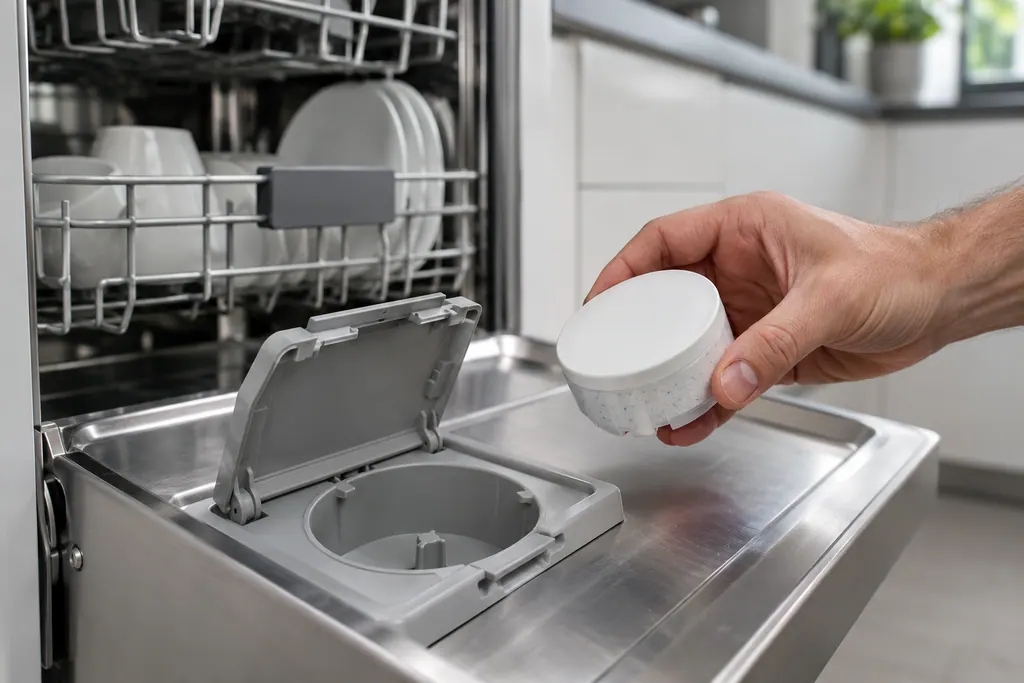
Check PowerDisk means AutoDos is switched on but the holder has no PowerDisk, or an empty one. Confirm the message with OK, insert a full PowerDisk and choose Available, or turn AutoDos off and dose by hand.
Miele dishwasher Check PowerDisk / Detergent dispensing
Check PowerDisk means AutoDos is switched on but the holder has no PowerDisk, or an empty one. Confirm the message with OK, insert a full PowerDisk and choose Available, or turn AutoDos off and dose by hand.
Also shown as Check PowerDisk
Check PowerDisk means AutoDos is switched on but the holder has no PowerDisk, or an empty one. Confirm the message with OK, insert a full PowerDisk and choose Available, or turn AutoDos off and dose by hand.
Press OK on Check PowerDisk.
Check PowerDisk stays with a full disc inserted.
Your Miele checks, kept in this browser only
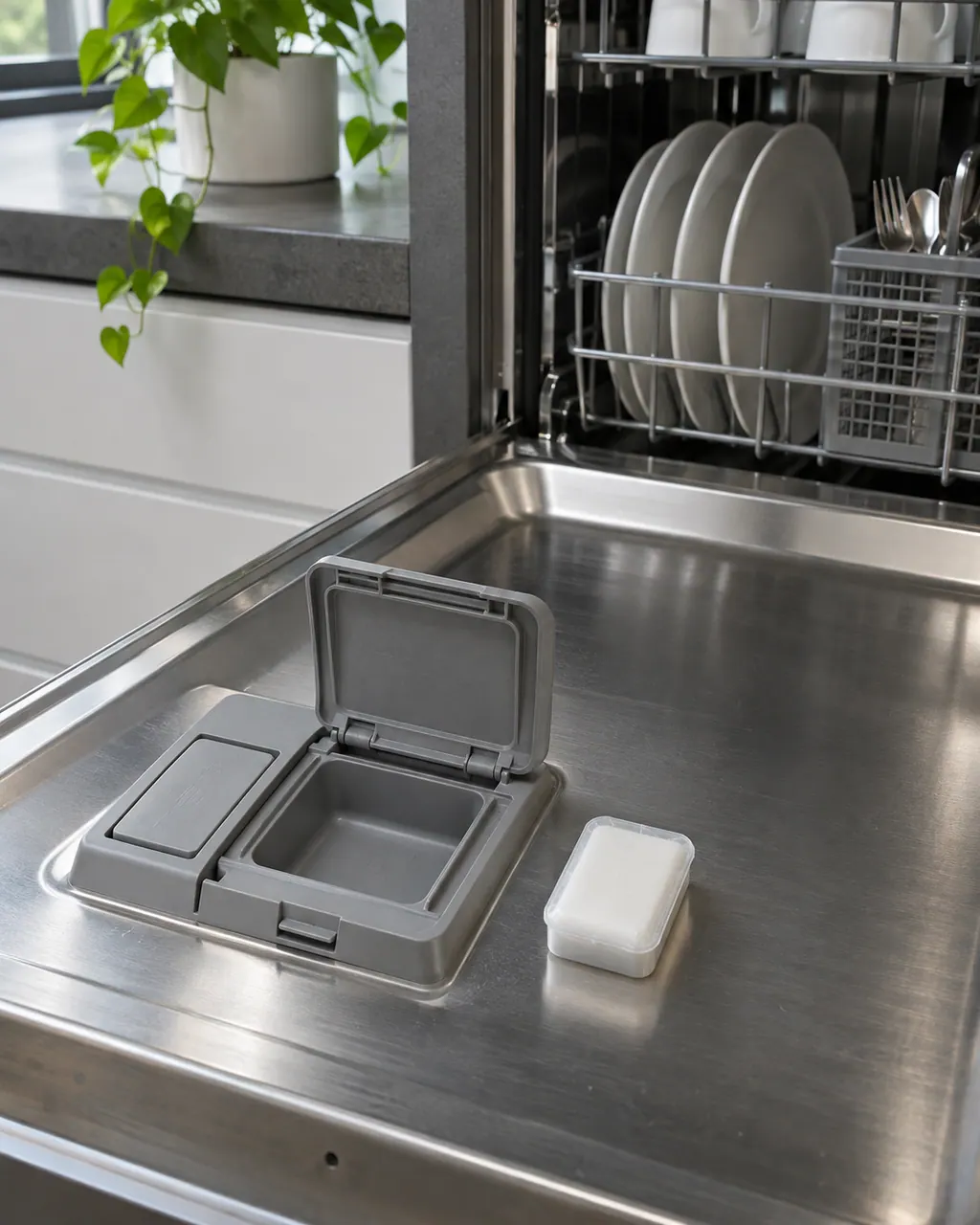
Press OK on Check PowerDisk. The manual wants the message confirmed before it does anything else.
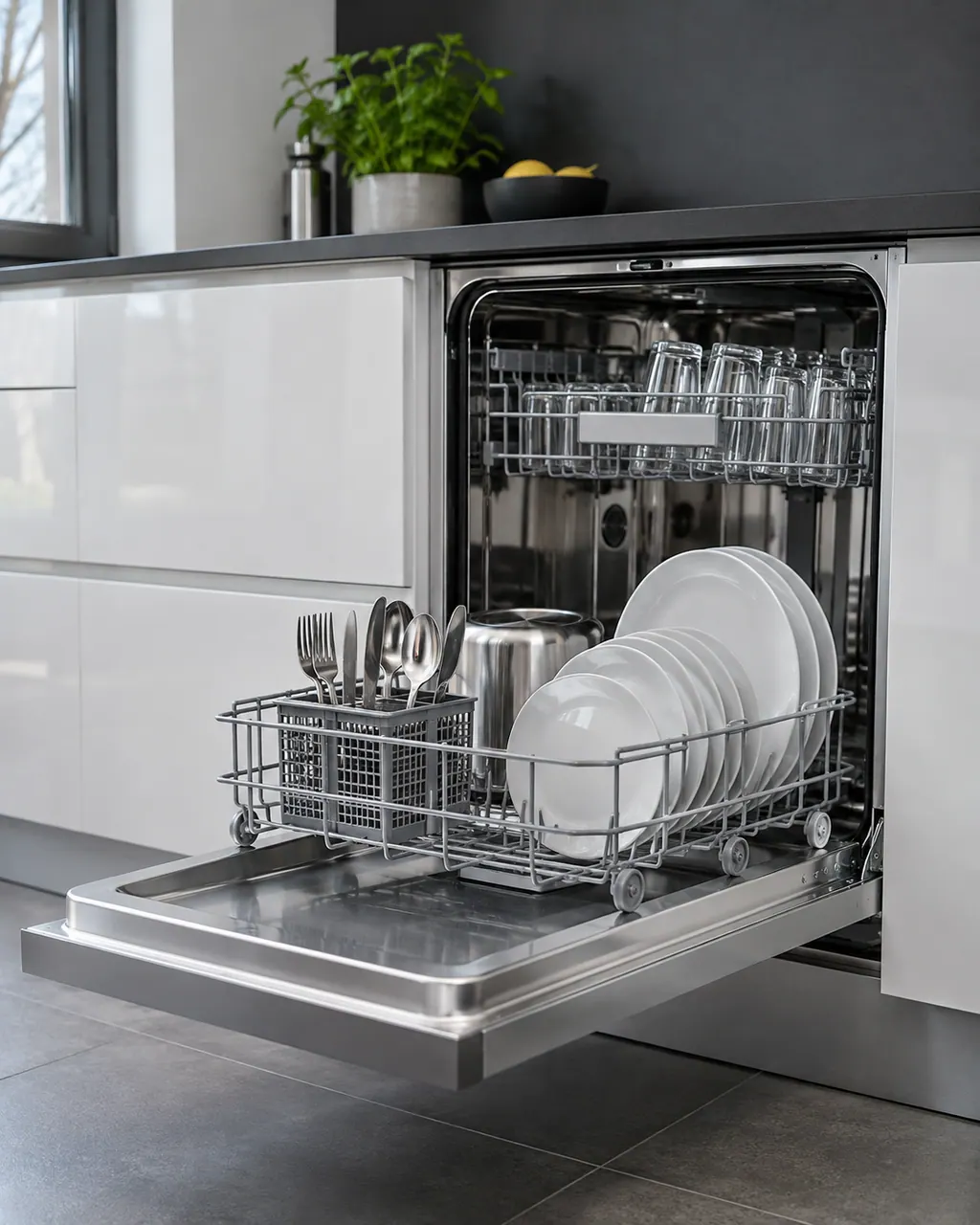
Push a full disc into the holder with even pressure until it lies level.
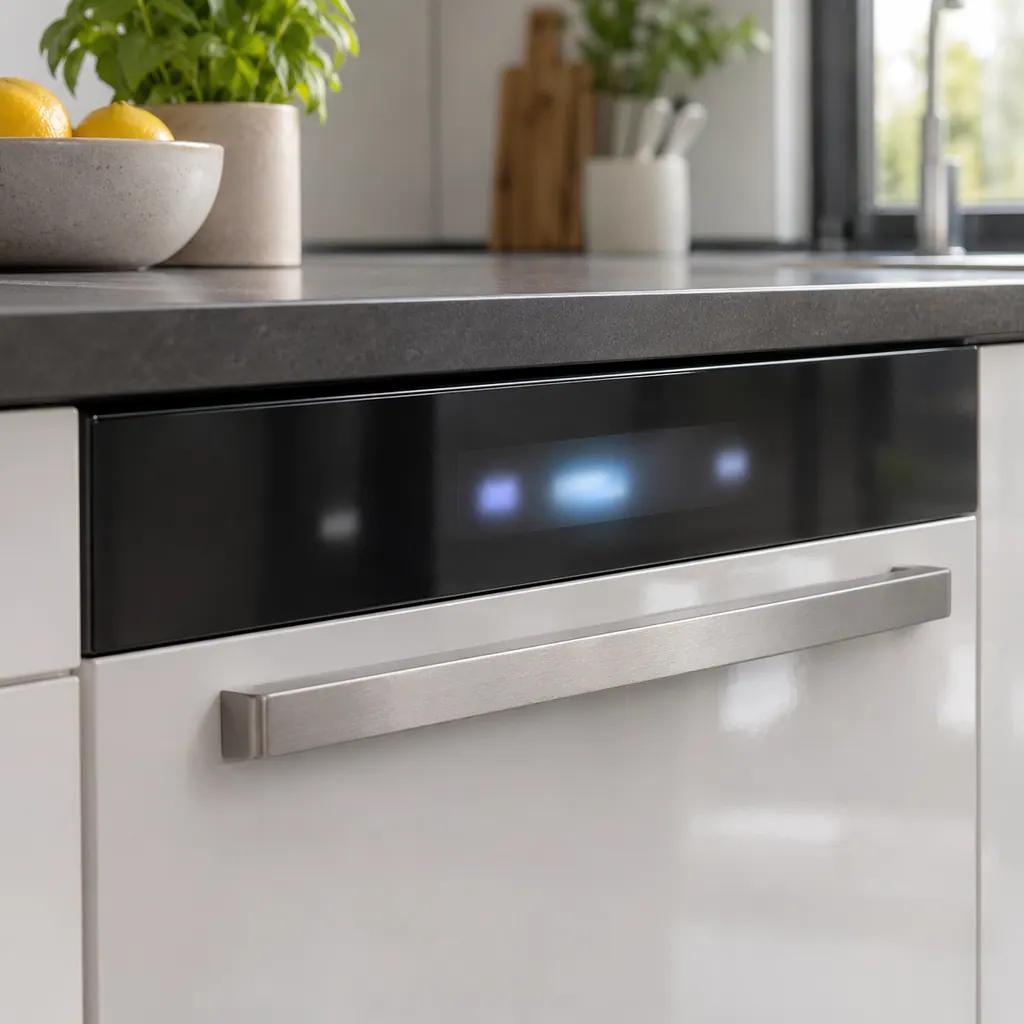
Use the arrow buttons to pick the Available message, then confirm with OK so the dishwasher knows a disc is in.
If you would rather add detergent by hand, press the AutoDos button, or confirm the Not available message with OK.
If the message stays with a full disc inserted and Available confirmed, book a technician.
Give us your model and the checks you have already made, then start your request below.
Book a visitA simplified drawing, since a dishwasher, a washer and a steam oven are built quite differently. Tap any outlined part to open its photo and the check that goes with it.
Component reference
AutoDos is the automatic detergent dispenser in a Miele G 7000 dishwasher.
Read the definitionThe AutoDos function is switched on, and there is either no PowerDisk or an empty one in the holder. The dishwasher cannot dose detergent without a full disc.
Read the supporting manualConfirm the message with OK, insert a full PowerDisk, then use the arrow buttons to select Available and confirm with OK.
Read the supporting manualYes. The manual says to deactivate the function with the AutoDos button, or to confirm Not available with OK. You then dose detergent by hand.
Read the supporting manualPowerDisk empty appears when the disc runs out and asks you to replace it or deactivate AutoDos with OK. Check PowerDisk shows when there is no disc at all, or an empty one was inserted.
Read the supporting manualManufacturer document
Miele (miele.com / mieleusa.com operating instructions)
Miele operating instructions; fetched 12.11.2026 / PDF p100
Taken from the AutoDos troubleshooting table of Miele’s G 7000-range dishwasher user manual (en-CA, 12 515 430). The wording is specific to dishwashers with AutoDos.
No. The manual treats it as a missing or empty disc. Fix that and confirm, and the dishwasher carries on.
Selecting Available tells the dishwasher a fresh disc is in. Without that confirmation it assumes the holder is still empty.
Yes, if you switch AutoDos off first and put detergent in the compartment yourself.
Reseat the disc so it is flush, confirm Available again, and book a visit if the message keeps coming back.
Miele codes, symptoms, parts, repair visits
AutoDos lid open means the lid over the AutoDos detergent unit is not shut properly. A program will not start, or one that is running stops. Close the lid and lock it fully.
For a G 7186, G 7193 or G 7196 dishwasher, the manual's Drain message means a drain problem, possibly with water standing in the cabinet. It says to clean the filter combination, then the drain pump, and to straighten any kinked drain hose. Older G 4xxx and G 5xxx models print F11 instead.
AutoDos is the automatic detergent dispenser in a Miele G 7000 dishwasher. It takes a PowerDisk cartridge in a holder under a lid. The lid must close tightly, and the lower spray arm must be clear so the detergent outlet can be flushed.
Book a diagnostic made for your exact model and done beside the appliance.
Where each office is, plus the access notes to pass on to us.