Inside the appliance
Oven touch display. In plain English.
The touch display is the screen on a Miele wall oven where you pick modes, programs and settings by tapping or swiping. Miele says to touch it only with your fingers, because pointed objects scratch it, and to keep water from getting behind it.
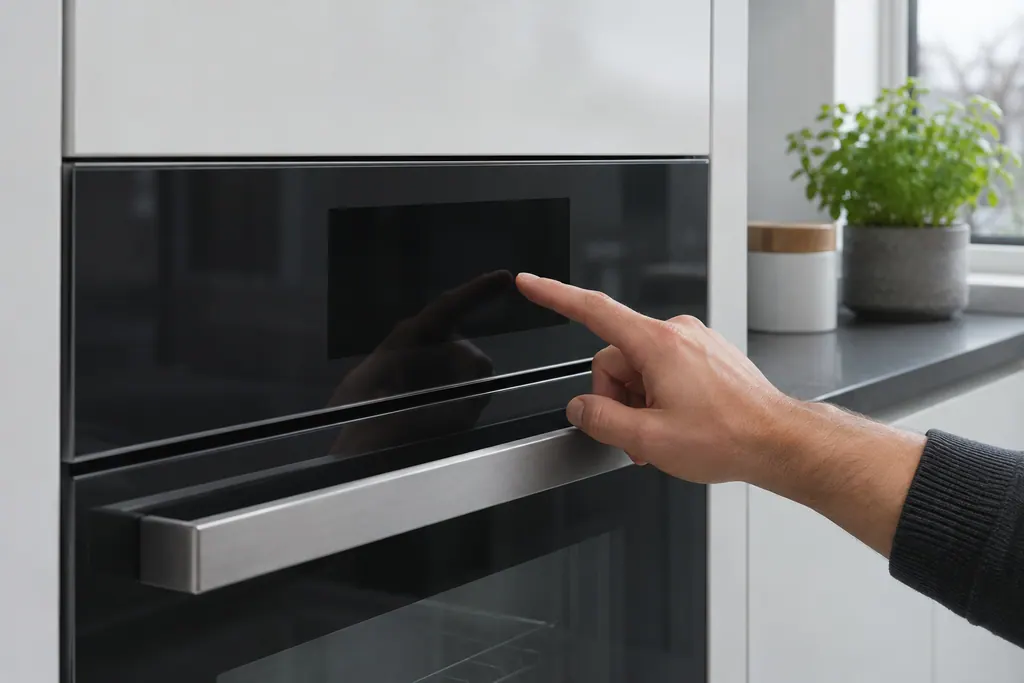
Where it fits.
Oven touch display in the appliance
In the oven control panel.
The picture shows the kind of component. It cannot say which replacement fits your model.
How things change when this system starts to struggle.
Oven touch display concerns may turn up next to a drop in performance or a code that keeps returning. Nobody should decide the component is to blame before it has been tested.
Miele oven not heating up
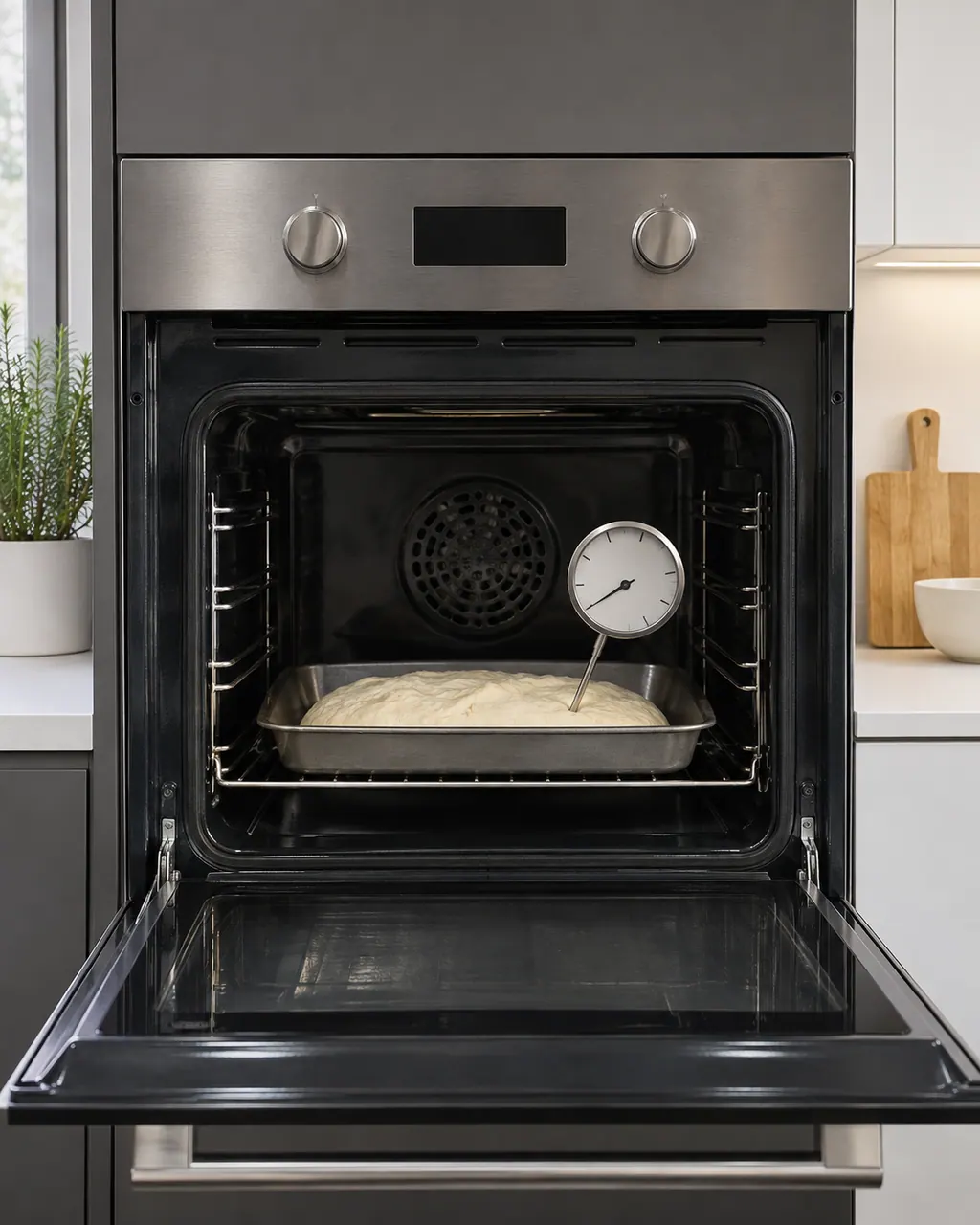
On a Miele wall oven that stays cold, the manual lists demo mode first: the display and sensor buttons work but the heating does not. Switch it off under Showroom program. Other causes are a dark display from lost power, a system lock message or a power failure message. Reset the breaker, then call us.
Miele oven self clean problems
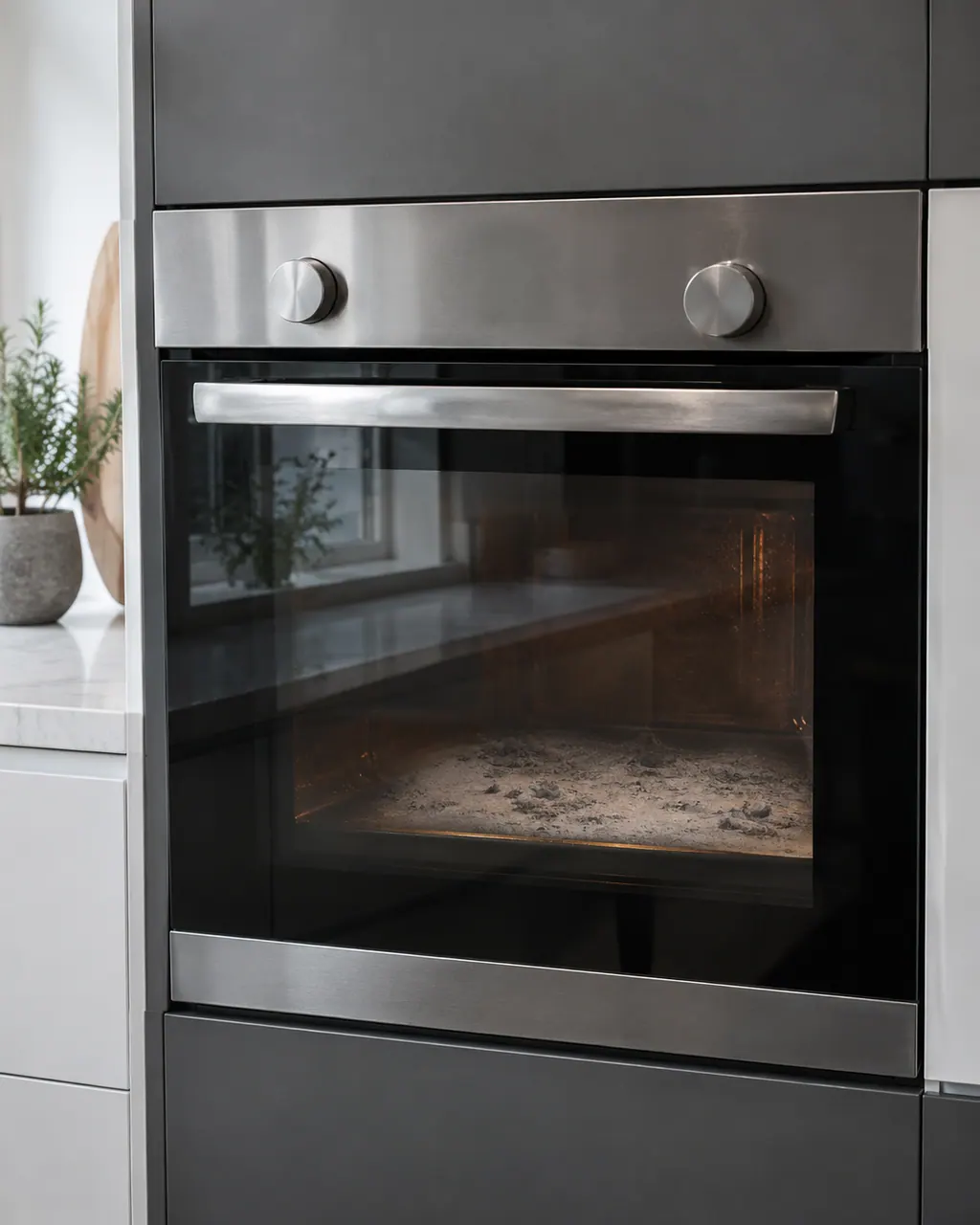
Two Miele Self Clean problems have manual answers. F32 means the door lock did not lock and F33 means it did not open: turn the oven off and on, and run Self Clean again. If soil is left, it is ash: wipe it off, and repeat the program for longer if coarse soil remains.
Owner care, within the model instructions.
Switch the machine off and unplug it before any check of your own. Watch for standing water and sharp corners. Never touch a wet plug, open a service panel or go beyond what the manual for your model allows an owner to do.
- 1
Use only your fingers
Pens and other pointed or sharp objects can scratch the sensitive surface. Tap and swipe with a fingertip.
- 2
Keep water away
Miele says to make sure water cannot get behind the display. Do not let liquid run behind the glass.
- 3
Look for the lock symbol
A symbol for system lock or sensor lock means the controls are locked. Unlock it in Settings, Safety.
- 4
Wake the screen
With MotionReact active, approaching the oven wakes the screen and the oven lamp, if you activated it. The recessed On/Off button switches the oven on.
Cleaning or replacement?
Leave internal testing to a technician.
The display stays blank or does not react after you switched the oven off and on.
The screen shows moisture behind the glass.
Arrange a diagnosticSee the neighboring components.
Oven door and door lock
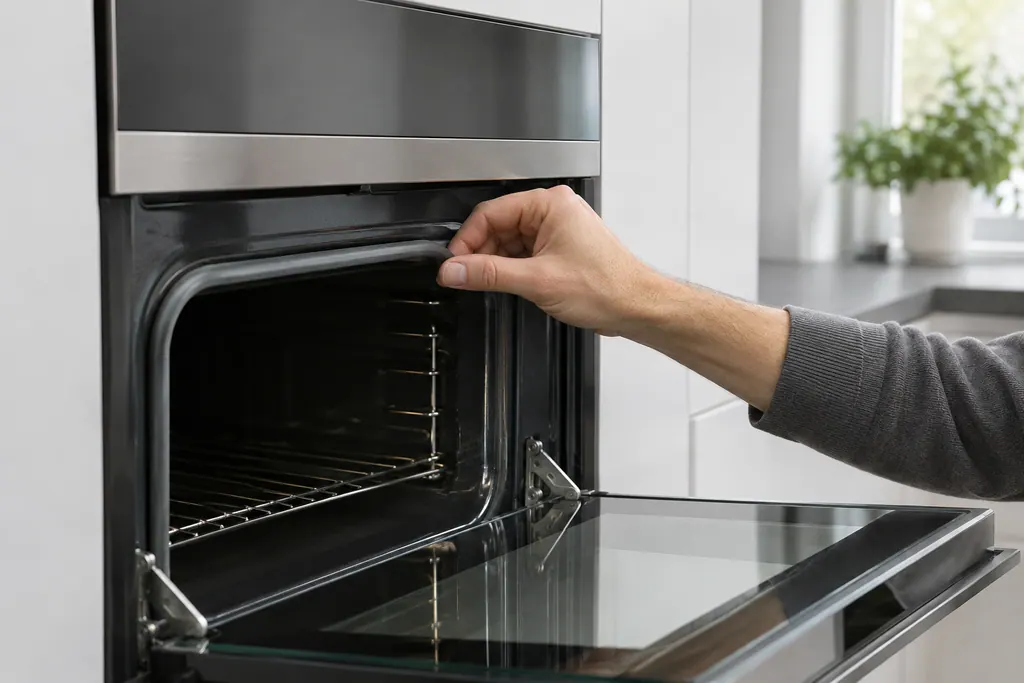
A Miele oven door is made of glass panes, and air is passed through it to keep the outer pane cool. At the start of Self Clean the door locks, and it opens again only once the compartment has dropped below 535 F (280 C). F32 and F33 name a lock that did not close or open.
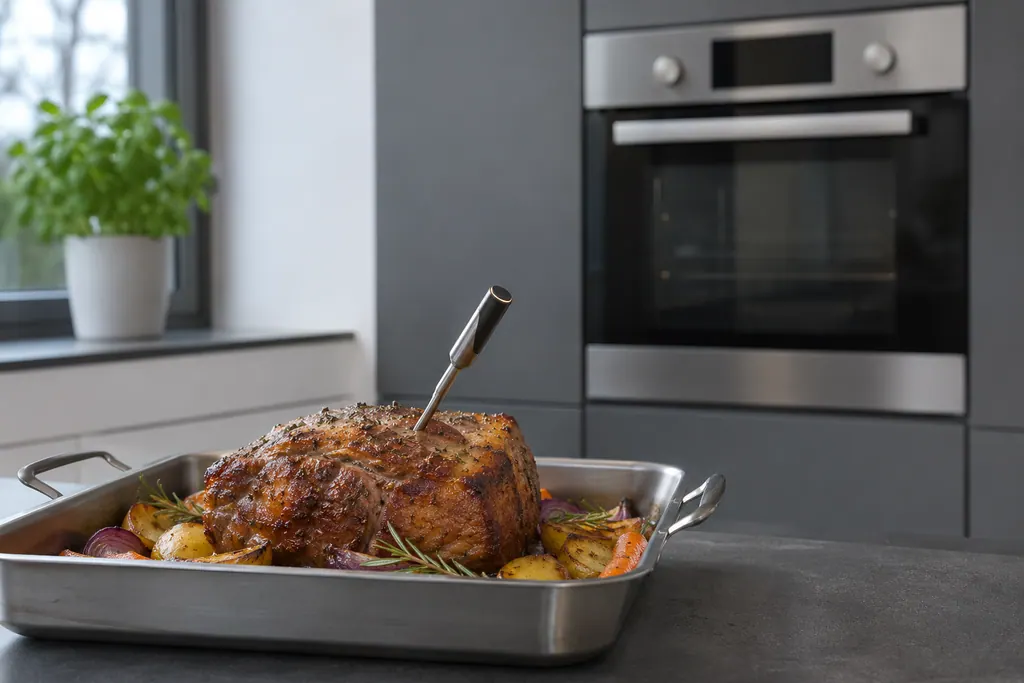
Oven wireless food probe
The wireless precision probe in a Miele oven reports the core temperature of the food. The oven stores it in a sleeve in the front frame. No signal to the probe means the oven is not receiving it, and Miele says a nearby microwave can interfere.
Sources and model boundaries.
These documents stand behind the Oven touch display guidance. Open the manual that matches your model.
- Miele wall oven (US/Canada operating and installation instructions)
Match your exact model to its operating instructions. See how we research these pages.
What is on the oven display?
Miele shows a header with the menu path and time, a center area you scroll by swiping, and footer buttons such as Timer, Save or OK. The Operating Modes, Automatic Programs, Special Modes and MyMiele menus sit along the header.
Can I use a pen or a fingernail?
Miele says to touch the display only with your fingers. Pointed or sharp objects, such as pens, can scratch the sensitive surface.
What does the pull-down menu do?
Drag down the orange line at the top of the header. Miele says it lets you turn settings on or off during a cooking process.
Why are the controls not reacting?
A lit lock symbol means the system lock or sensor lock is on and the controls are locked. The manual points to Settings, Safety to switch it off.
Is moisture a problem?
Miele asks you to make sure water cannot get behind the touch display. If you see moisture there, book a visit.
Miele codes, symptoms, parts, repair visits
Follow the message to what you do next.
Miele oven not heating up
On a Miele wall oven that stays cold, the manual lists demo mode first: the display and sensor buttons work but the heating does not. Switch it off under Showroom program. Other causes are a dark display from lost power, a system lock message or a power failure message. Reset the breaker, then call us.
Oven repair
Book a diagnostic made for your exact model and done beside the appliance.
Find your metro
Where each office is, plus the access notes to pass on to us.