Miele professional washer or dryer Clean out the airways / Dryer messages
Miele professional-laundry error Clean out the airways
Professional-laundry / display referenceClean out the airways
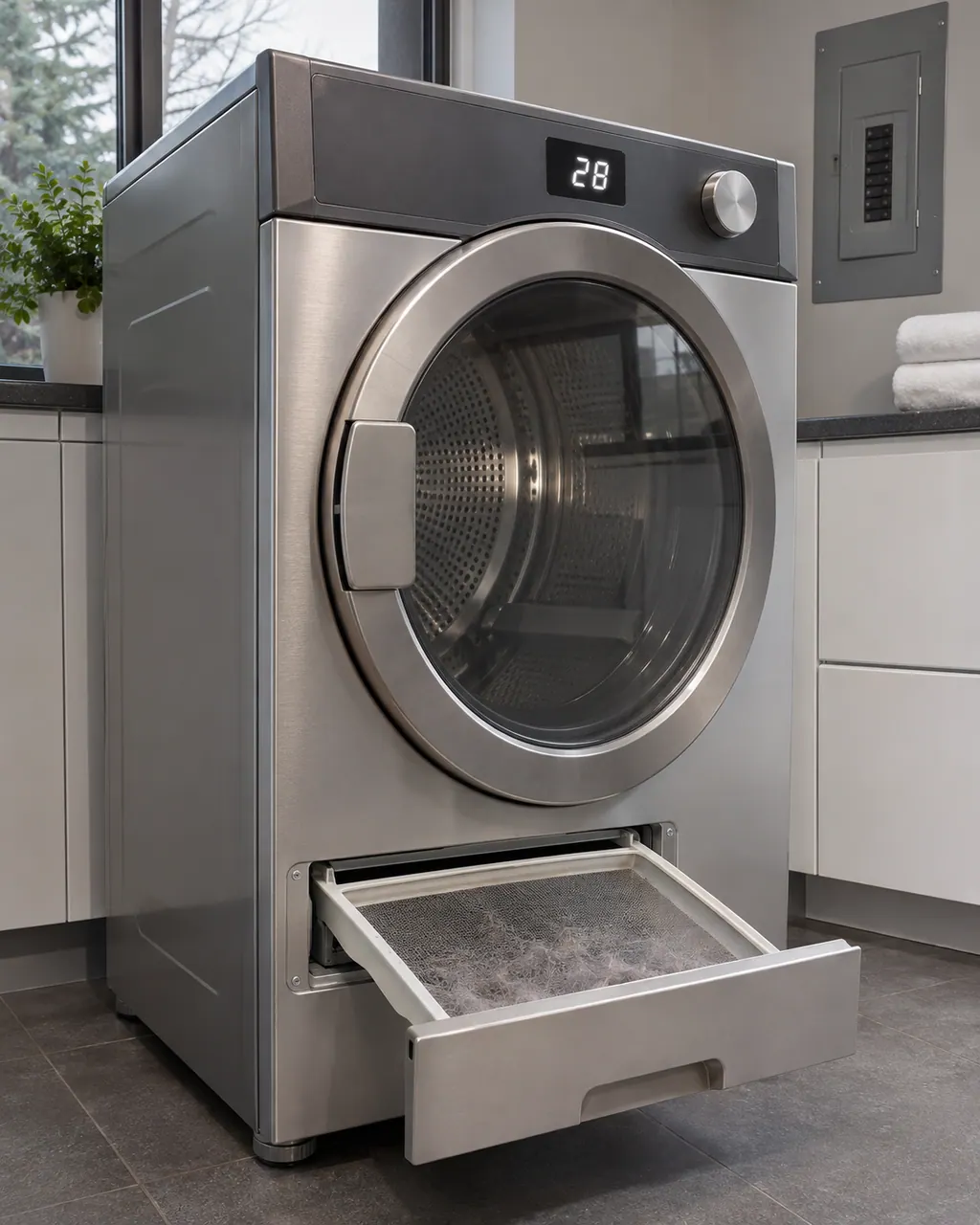
Clean out the airways lights up at the end of a program when the Miele Professional PDR 908 HP is not working correctly or economically, often from lint or detergent residue. Clean the lint filter and the toe-kick filter, then touch OK.
Professional-laundry / display referenceClean out the airways
Meaning
Clean out the airways lights up at the end of a program when the Miele Professional PDR 908 HP is not working correctly or economically, often from lint or detergent residue. Clean the lint filter and the toe-kick filter, then touch OK.
Miele PDR 908 HP professional heat-pump dryer (US operating and installation instructions, M.-Nr. 11 226 870)
What Miele professional washer or dryer Clean out the airways means.
What it means
Clean out the airways lights up at the end of a program when the Miele Professional PDR 908 HP is not working correctly or economically, often from lint or detergent residue. Clean the lint filter and the toe-kick filter, then touch OK.
What you can safely check
Normally this is all that is needed.
When to call a technician
The message returns after all filters are clean.
Your Miele checks, kept in this browser only
Safe checks, in order.
0 of 5 checks done
Illustration. Follow your model’s instructions.
Before you begin
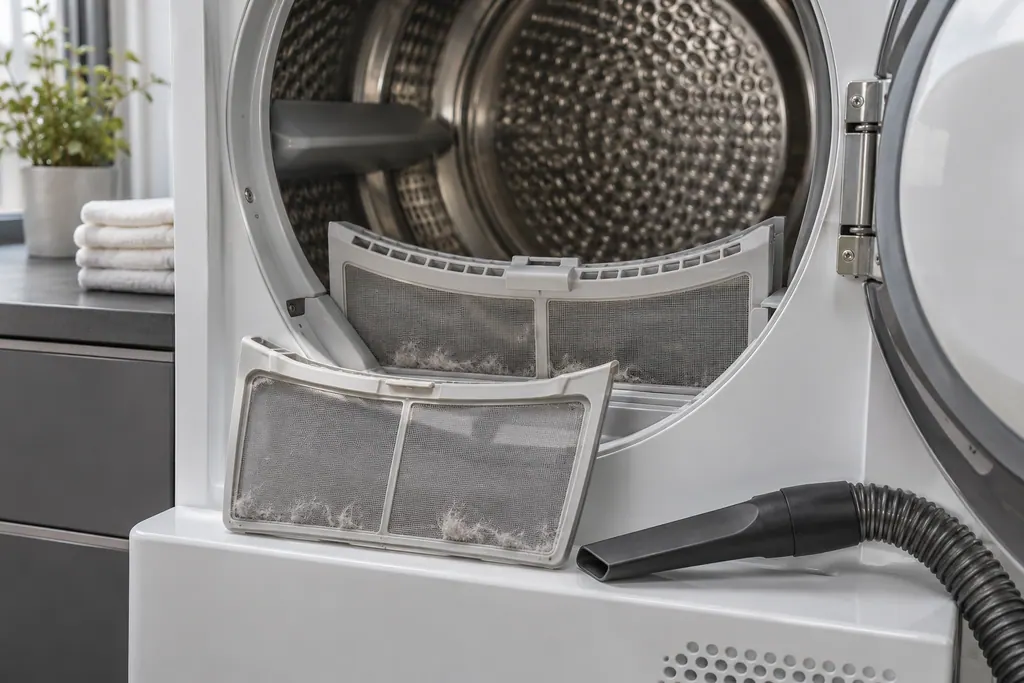
Clean the lint filter
Normally this is all that is needed.
Illustration. Follow your model’s instructions.
Check 2
Check the toe-kick filter
Clean it if needed.
Illustration. Follow your model’s instructions.
Check 3
Look behind it
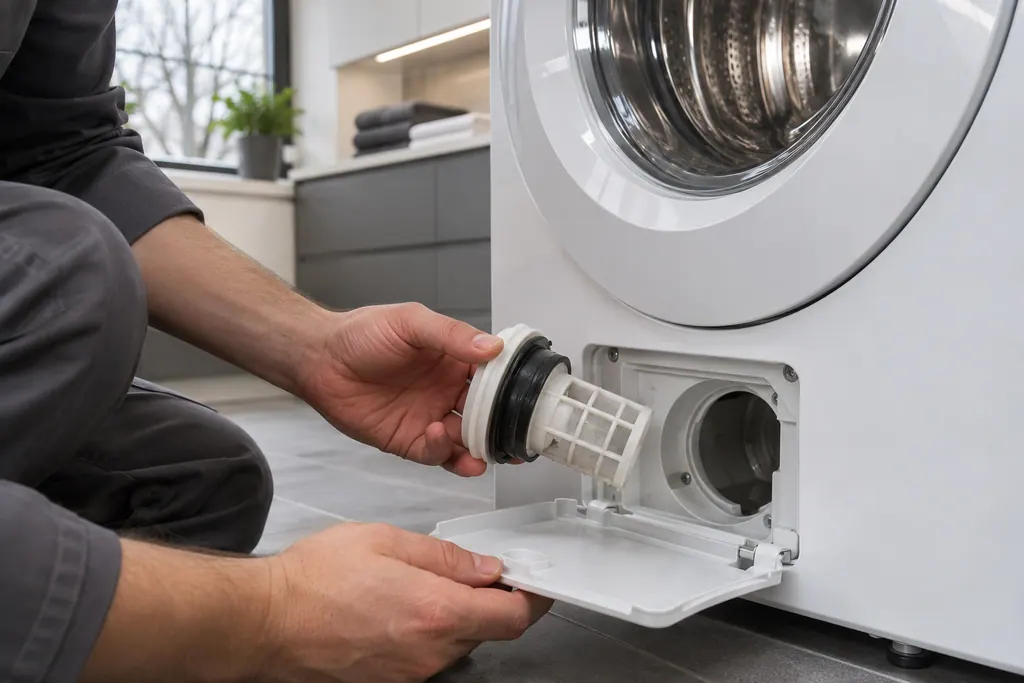
If you removed the toe-kick filter, check the filter insert behind it.
Illustration. Follow your model’s instructions.
Check 4
Touch OK
Clears the message.
Illustration. Follow your model’s instructions.
Check 5
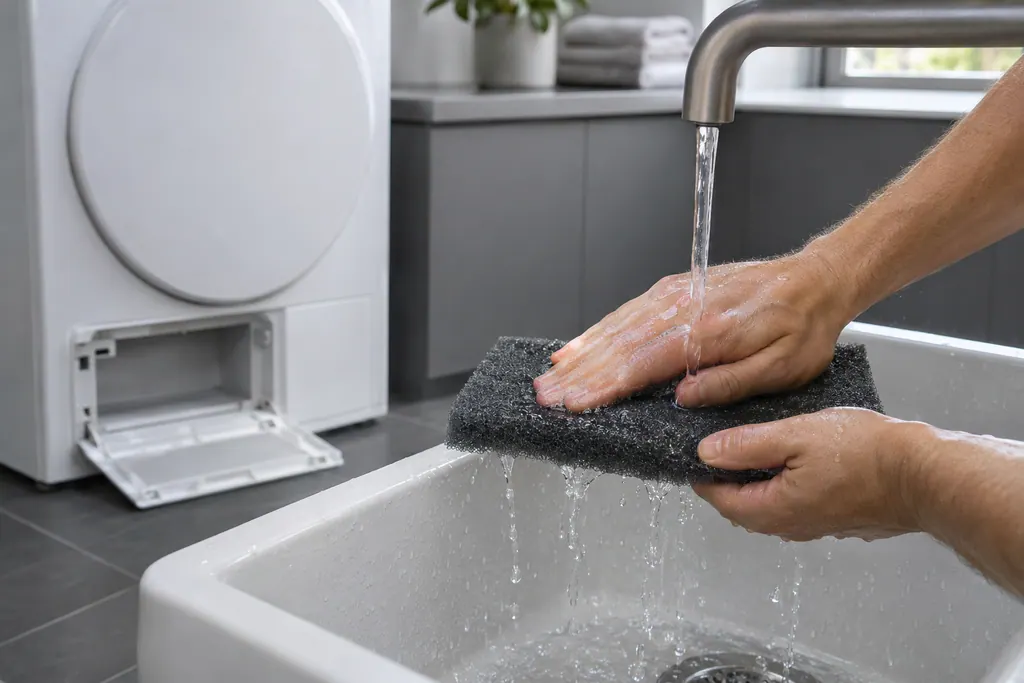
Open the flap on the bottom left
The toe-kick filter is behind the lint-filter flap. Remove it, clean it and refit it with the flap closed.
Still showing Clean out the airways?
Give us your model and the checks you have already made, then start your request below.
A simplified drawing, since a dishwasher, a washer and a steam oven are built quite differently. Tap any outlined part to open its photo and the check that goes with it.
Parts behind the message.
Component reference
Dryer lint filters
This heat-pump Miele dryer has two lint filters in the door opening, an upper and a lower one.
The dryer is not working correctly or economically, with lint or detergent residue clogging as a possible cause. It shows at the end of a program. Normally all you have to do is clean the lint filter.
Its electronics calculates how far lint or detergent residue in the lint filters and air ducts is impairing performance, and shows the prompt when a set level is reached.
A supervisor-level setting offers Off, Heavy, Normal (factory default) and Sensitive. Even with Off, a very severe blockage in the ducting cancels the program and the reminder appears regardless.
With normal use, when the prompt appears. With continuous use, once a day and also when the prompt appears. The filter sits behind the lint-filter flap on the bottom left.
How does it differ from "Clean the lint filter. Check the airways."?
That message appears after a program has been canceled: a small item sucked into the door area, or a clogged system. Clean out the airways is a prompt at the end of a finished program.
Facts come from the Frequently Asked Questions chapter of the Miele Professional PDR 908 HP heat-pump dryer operating instructions (US edition), the Little Giants line. These are commercial machines, not the household dryers. Cleaning steps are from the Cleaning and care chapter of the same manual.