What it means
F74 is described as an internal problem in the CVA 7440 manual, in the row that asks for a wait of about 2 minutes. Switch the machine off, wait about 2 minutes, switch it on and confirm any message with OK.
Miele coffee machine F74 / Internal
F74 is described as an internal problem in the CVA 7440 manual, in the row that asks for a wait of about 2 minutes. Switch the machine off, wait about 2 minutes, switch it on and confirm any message with OK.
Also shown as F74
F74 is described as an internal problem in the CVA 7440 manual, in the row that asks for a wait of about 2 minutes. Switch the machine off, wait about 2 minutes, switch it on and confirm any message with OK.
Use the On/Off control.
The code reappears once the wait is up.
Your Miele checks, kept in this browser only
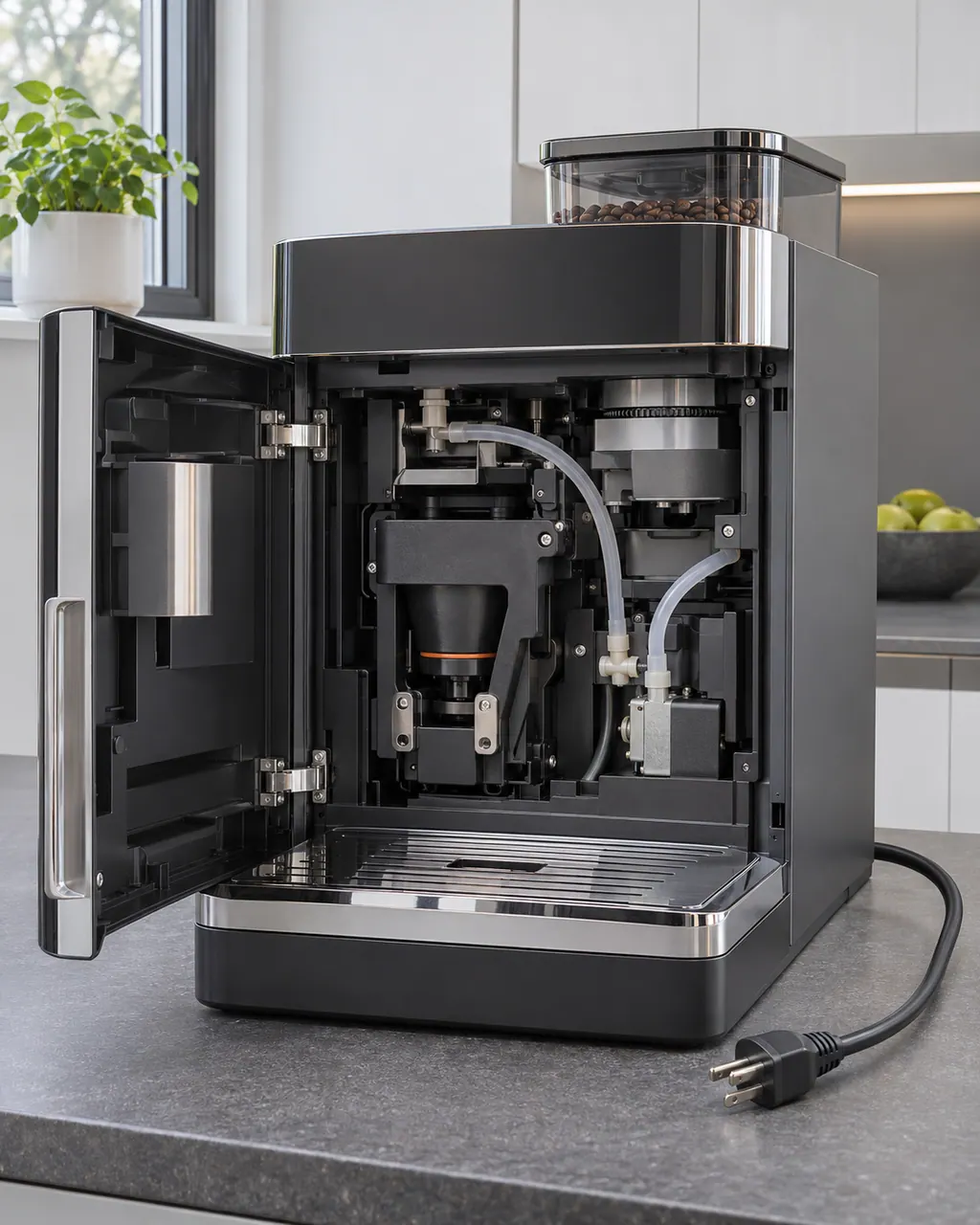
Use the On/Off control.
Short wait.
Try a drink.
If F74 returns.
Touch OK on the message, then follow whatever else the display asks for.
Give us your model and the checks you have already made, then start your request below.
Book a visit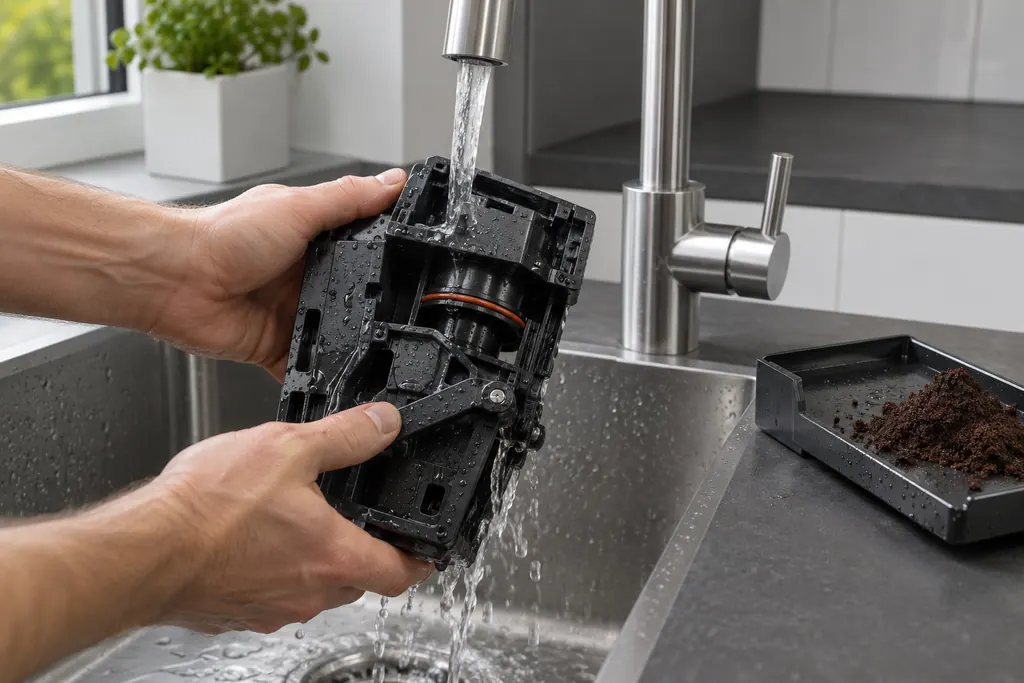
A simplified drawing, since a dishwasher, a washer and a steam oven are built quite differently. Tap any outlined part to open its photo and the check that goes with it.
The CVA 7440 manual describes F74 as an internal problem and says to switch the coffee machine off and wait for approximately 2 minutes before switching it back on. F77, F225, F226, F235, F353 and F354 share that row.
Read the supporting manualYes. The countertop manual lists F74 in a 2 minute row with F41, F42, F77, F225, F226, F235 and F236. The CM 5410, 5510 and 5710 manual lists it with F41, F42, F77, F235 and F236.
Read the supporting manualMiele says error messages must be confirmed with OK, otherwise the message may reappear in the display even though the problem has been remedied. Follow the instructions in the display.
Read the supporting manualMiele says to contact its technical service if the message appears again after the wait. With us, say which machine you have and whether F74 returned straight after switch-on or only after drinks.
Read the supporting manualManufacturer document
Miele (miele.com / mieleusa.com operating instructions)
M.-Nr. 12 867 300; fetched 12.11.2026 / PDF p67
Manufacturer document
Miele (miele.com / mieleusa.com operating instructions)
M.-Nr. 12 344 900; fetched 12.11.2026 / PDF p83
Manufacturer document
Miele (miele.com / mieleusa.com operating instructions)
M.-Nr. 11 842 680; fetched 12.11.2026 / PDF p56
From the Frequently asked questions pages of Miele’s CVA 7440 built-in coffee system instructions (US/Canada, 12 867 300, page 67). Model scope also checked against the countertop coffee machine instructions (12 344 900) and the CM 5410, 5510 and 5710 instructions (11 842 680).
Yes. The countertop manual (12 344 900) puts F74 in its 2 minute row and says to switch off with the On/Off switch first. The CM 5410, 5510 and 5710 manual also lists it.
Yes. Miele says error messages must be confirmed with OK, otherwise they may reappear even though the problem has been remedied.
No. F73 is the brew unit message, where the manual has you check, rinse and reposition the brew unit. F74 gets only the switch-off and 2 minute wait.
About 2 minutes, according to the CVA 7440 manual. The 1 hour wait belongs to F1, F2, F80, F82, F353 and F354.
Miele codes, symptoms, parts, repair visits
F1 is listed by Miele as an internal problem, in the row that asks you to switch the machine off and wait about 1 hour before switching on. F2, F80 and F82 share that row, and F353 and F354 also appear in it.
A Miele built-in coffee system that shows F73 or Check the brew unit, or whose brew unit will not come out or go back in, usually has a brew unit drive out of position. Close the door, switch the machine off for one to two minutes and on again so the drive resets. Rinse a removable unit.
Book a diagnostic made for your exact model and done beside the appliance.
Where each office is, plus the access notes to pass on to us.